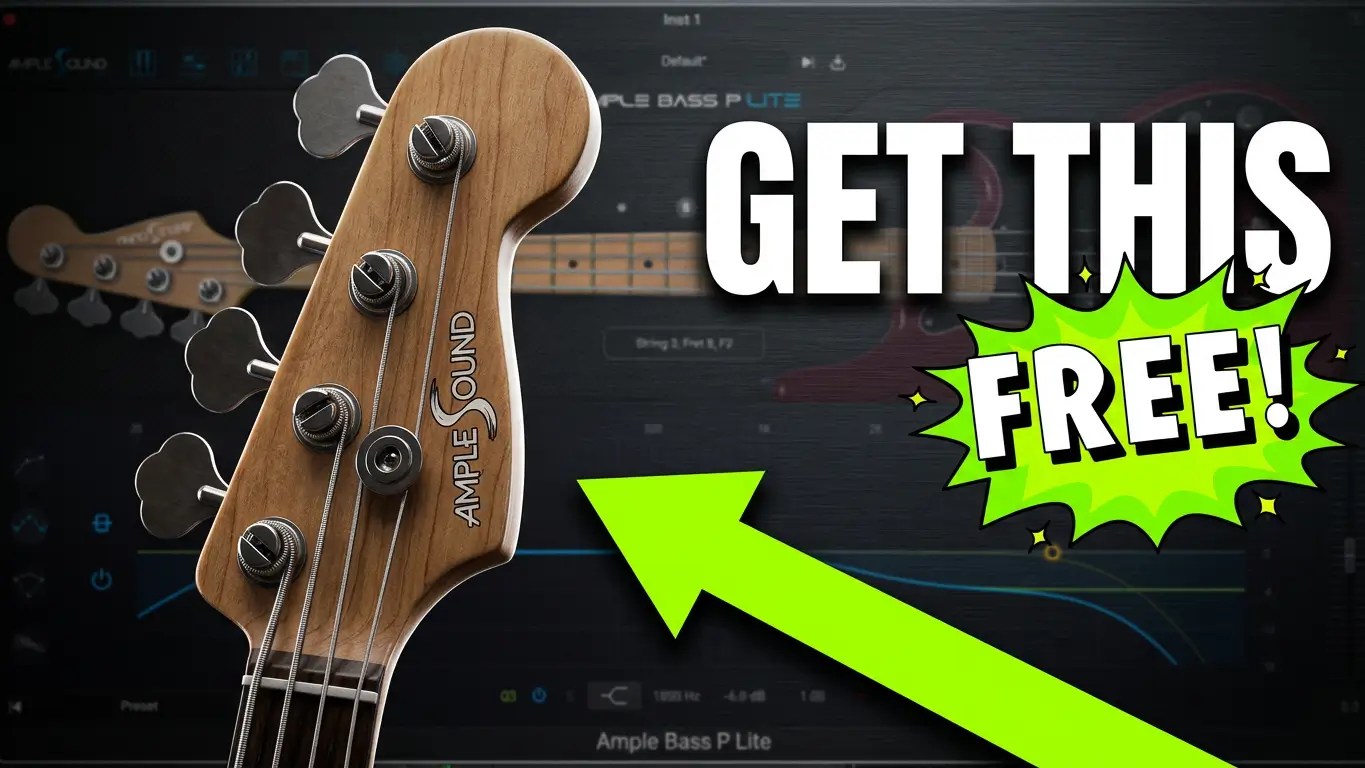
If you’re looking for the best free bass VST plugin in 2026, Ample Bass P Lite 4 deserves a place on your shortlist. Ample Sound has updated its popular free Precision Bass instrument with a redesigned interface, a newer playback engine, and one of its biggest additions yet—a built-in version of Riffer, a bass-focused MIDI editor previously available only in the company’s paid instruments.
In this article, I’ll walk through what’s new in Version 4, explain who this plugin is for, and share why I think it’s one of the strongest free electric bass plugins available today. I’ve also included my hands-on YouTube review if you’d like to see and hear it in action.
Watch the Full Review
If you’d rather see the plugin in action, I’ve created a complete walkthrough covering the new features, workflow, and sound quality.
What’s New in Ample Bass P Lite 4?
The update isn’t just cosmetic. While the refreshed interface is immediately noticeable, most of the improvements focus on workflow.
Some of the biggest additions include:
- A redesigned, easier-to-navigate interface
- The new Ample Sound Version 4 engine
- A free version of the Riffer MIDI editor
- MIDI drag-and-drop into your DAW
- Improved bass programming workflow
- Updated amp and cabinet controls
- Built-in EQ, delay, and reverb
- Guitar tab support
- Better overall usability
For a free instrument, that’s a substantial update.
The Biggest Addition: Riffer
The standout feature in Version 4 is undoubtedly Riffer.
If you’ve never used an Ample Sound instrument before, Riffer is a MIDI editing environment specifically designed for guitar and bass.
Instead of programming notes in a traditional piano roll, you can build bass parts inside an interface that understands how a real bass is played.
With Riffer you can:
- Move notes between strings
- Change chords
- Transpose riffs
- Edit note timing
- Build complete bass lines
- Drag finished MIDI directly into Logic Pro or any compatible DAW
Even though the Lite version doesn’t include every advanced feature from the paid editions, having Riffer included at no cost makes this update much more useful for producers who don’t play bass.
Sound Quality
One reason Ample Bass P Lite has remained popular for years is its sound.
The sampled Precision Bass still sounds detailed and natural, making it suitable for genres including:
- Rock
- Pop
- Country
- Singer-songwriter
- Worship
- Indie
- Film scoring
If you’re producing demos or even finished productions, it provides a convincing bass tone without requiring additional sample libraries.
Built-In Effects
The plugin also includes a practical collection of built-in processing tools.
You’ll find:
- Amp simulation
- Cabinet modeling
- Microphone blending
- Direct Input (DI)
- EQ
- Delay
- Reverb
These tools make it possible to dial in a finished bass tone without immediately reaching for third-party plugins.
Logic Pro Users
I’m primarily a Logic Pro user, and Apple already includes several excellent bass instruments.
That makes Ample Bass P Lite an interesting comparison.
While Logic’s stock sounds are very capable, I appreciate the workflow and realistic articulations offered by Ample Sound’s instrument. Having another high-quality bass option available at no cost gives producers more flexibility when arranging songs.
If you use Cubase, Studio One, Ableton Live, FL Studio, Reaper, or another DAW, I’d be interested to hear how Ample Bass P Lite compares to the bass instruments included with your software.
Who Should Download It?
Ample Bass P Lite 4 is a good choice if you:
- Need a realistic free electric bass plugin
- Write songs but don’t play bass
- Produce demos at home
- Want to create bass parts quickly
- Need MIDI drag-and-drop workflow
- Like editing realistic bass performances
- Want a free alternative to more expensive virtual bass instruments
Whether you’re just starting out or have years of production experience, it’s a practical addition to almost any virtual instrument collection.
Final Thoughts
Version 4 brings meaningful improvements without changing what made Ample Bass P Lite popular in the first place.
The updated interface makes navigation easier, the included Riffer editor significantly improves workflow, and the overall experience feels much closer to Ample Sound’s commercial products.
Considering that it’s completely free, it’s easy to recommend downloading and trying it for yourself.
Download Ample Bass P Lite 4
You can download the latest version using the link below.
Related Topics
- Best Free Bass VST Plugins
- Logic Pro Virtual Instruments
- Free VST Plugins for Music Production
- Ample Sound Plugins
- Bass Plugins for Songwriters
- MIDI Bass Programming
- Virtual Bass Instruments
- Music Production Tools