
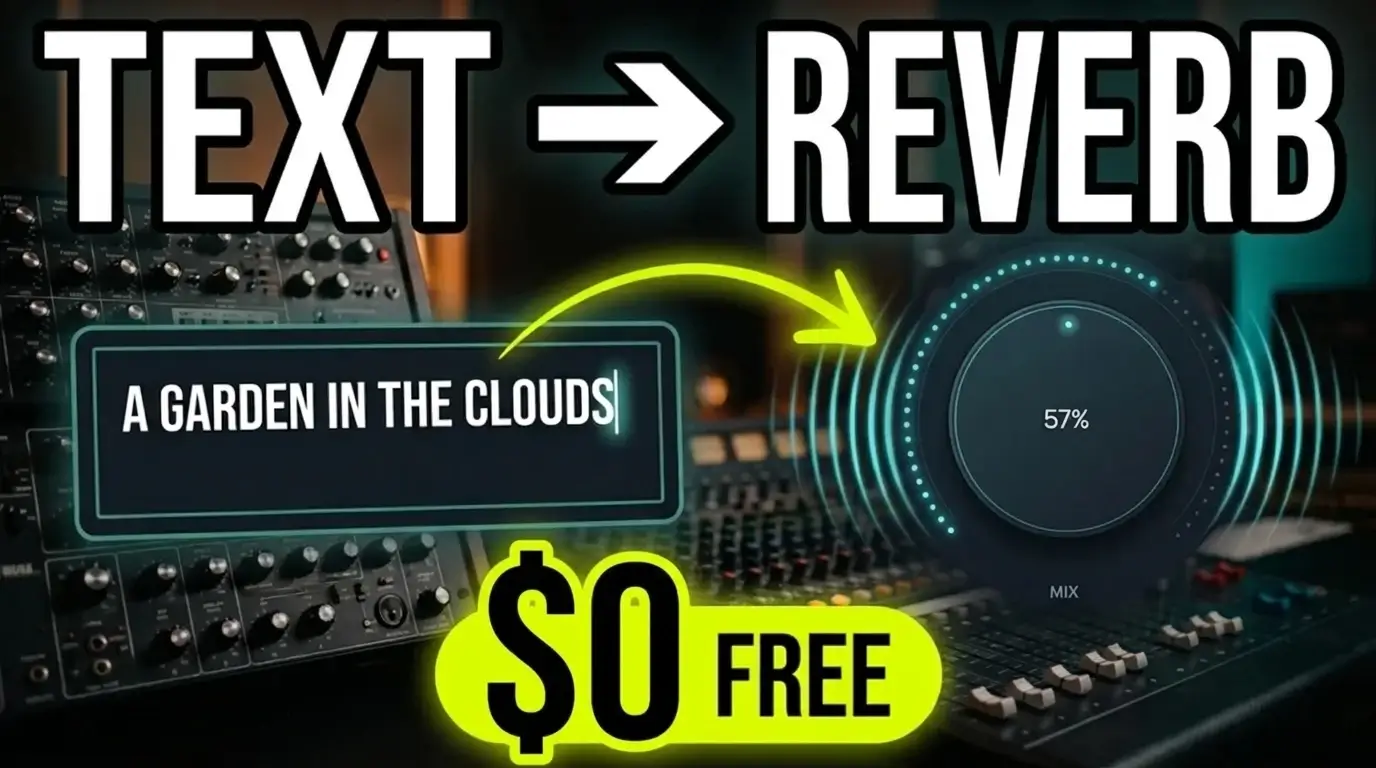
What if you could create a reverb effect simply by describing a place? Instead of scrolling through presets or adjusting a collection of traditional reverb controls, this free reverb plugin lets you experiment with different acoustic environments using text prompts.
In my latest video, I put this unusual approach to the test, trying several generated reverb spaces on a vocal track to see what the plugin can do.
Watch the video below to hear the results.
A Free Reverb Plugin That Creates Spaces From Text
Most reverb plugins give you a collection of presets, room-size controls, decay settings, and other parameters to shape the sound. This plugin takes a different approach by letting you describe the kind of space you want to create.
You can experiment with different environments, use the Random option, or try the Magic mode to explore additional possibilities. Rather than building a reverb sound entirely through traditional controls, you start with a description and listen to what the plugin generates.
Another interesting detail is that the plugin works fully offline. You don’t need to create an account, and it supports macOS, Windows, and Linux.
For anyone who likes experimenting with audio plugins and sound design, that makes it easy to try without committing to another subscription or online service.
Testing the AI Reverb Plugin on Vocals
For the demonstration, I started with a vocal track and listened to the effect using the plugin’s large mix knob.
The first generated result was described as “warm tape in the rain.” From there, I explored the Magic mode and tried a custom prompt: “a garden in the clouds.”
I also generated random results and tested a space described as “a tunnel in Central Park.”
These descriptions are certainly more imaginative than the typical room, hall, plate, and chamber presets found in conventional reverb plugins. The important question, though, is how the resulting sounds actually work in a mix.
Does describing a place produce something noticeably different from a standard reverb? Can the generated spaces add useful character to a vocal? And would the same effects work well on guitars, synthesizers, drums, or other instruments?
Those are the questions I wanted to explore.
Is Text-Prompt Reverb Actually Useful?
I’ll admit that, after trying several of the generated environments, I wasn’t entirely convinced that the results were fundamentally different from a collection of conventional reverbs.
That doesn’t necessarily mean the plugin isn’t useful. Sometimes a slightly unusual ambience or an unexpected reverb character is exactly what a track needs. The ability to generate different sounds from descriptive prompts could also be an interesting starting point for experimentation.
However, a novel way of generating an effect doesn’t automatically make it better than the tools we already have. What matters is how the sound fits the music and whether it helps you achieve something you couldn’t easily get another way.
I’d be interested in trying this plugin on different instruments and in different production situations before making a final judgment.
Should You Try This Free Reverb Plugin?
If you’re interested in audio plugins, AI-assisted sound design, or alternative ways to create reverb effects, this one is worth investigating for yourself.
The offline operation, lack of an account requirement, and support for macOS, Windows, and Linux are practical advantages. Since the plugin is free, you can experiment with its text prompts and generated spaces without spending money.
The bigger question is whether you’ll find the results useful in your own music production workflow.
Watch the video above and let me know what you think. Would you use a reverb plugin that creates spaces from text prompts, or would you rather stick with traditional reverb plugins and presets?
I’d be curious to hear how you would use it, especially on sources other than vocals.
Leave a Reply