
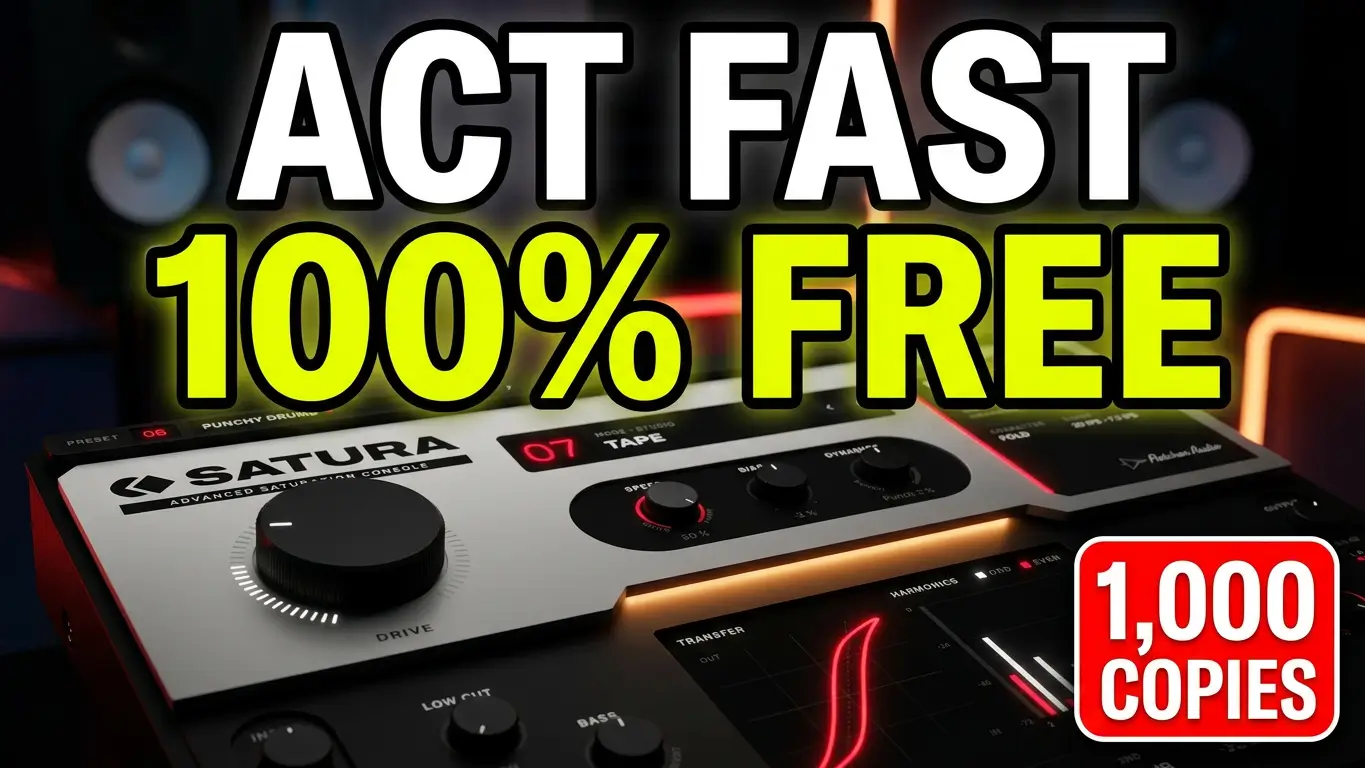
Satura by Fletcher Audio is a saturation and distortion plugin featuring 12 different processing modes, including tape, transformer iron, tube saturation, fuzz, clipping, and bit reduction. In this video, I take a quick look at the plugin, explore its different modes, and run it through a drum loop to hear how the processing changes the sound.
The plugin was advertised as a limited-time free offer for the first 1,000 copies, so if you’re looking for another saturation tool for your collection, this one is worth checking out.
Watch the video below to hear Satura in action.
What Is Satura?
Satura is an audio saturation plugin from Fletcher Audio, available through AudioNode for macOS and Windows. Rather than focusing on a single type of distortion, it brings together 12 different saturation modes in one interface.
The modes are divided into three families: Studio, Pedal, and Shape. This gives you options ranging from tape and transformer-style coloration to fuzz, clipping, wavefolding, and digital-style crushing.
12 Saturation Modes to Explore
One of the interesting things about Satura is the variety of processing options available without having to load multiple plugins.
The Studio modes include Tape, Iron, Triode, Pentode, and Console. The Pedal modes include Diode and Fuzz, while the Shape category contains Clip, Fold, Rectify, Crossover, and Crush.
Each mode has its own character, and the additional controls let you adjust how the processing responds to your audio.
Drive, EQ, Mix, and Auto Gain
Satura includes a Drive control for increasing the amount of saturation, along with a Character control that changes depending on the selected mode. For example, the Character control adjusts tape speed in Tape mode.
There are also input EQ controls for shaping the signal before it reaches the saturation stage, along with an output Tone control for adjusting the final sound.
The Mix knob lets you blend the processed signal with the original, while Auto Gain helps keep output levels consistent when comparing settings. These controls are useful when experimenting with saturation because changes in loudness can otherwise make it harder to judge the actual tonal differences.
Testing Satura on Drums
In the video, I use a drum loop to demonstrate several of the available modes. I start with Tape and compare the processed sound with the bypassed signal before moving through other options.
I also look at Iron, Dynamics, and the soft-knee and hard-knee clipping settings. The plugin includes a visual display showing the transfer curve and harmonics as you play, giving you another way to see how the processing affects the signal.
This is a quick demonstration rather than an exhaustive review, but it provides an overview of the different sounds available. Although I focus on drums here, saturation can also be useful on bass, synthesizers, vocals, and other instruments.
Where to Get Satura
Satura was advertised as a limited-time free offer for 1,000 copies. Check the official page for the current availability and offer details.
Get Satura: https://audionode.io/plugins/satura
Satura supports Audio Unit and VST3 on macOS 11 or later, including Apple Silicon and Intel builds, and 64-bit VST3 on Windows 10 and 11.
If you try Satura, let me know what you think and which saturation modes you find most useful.

Leave a Reply