
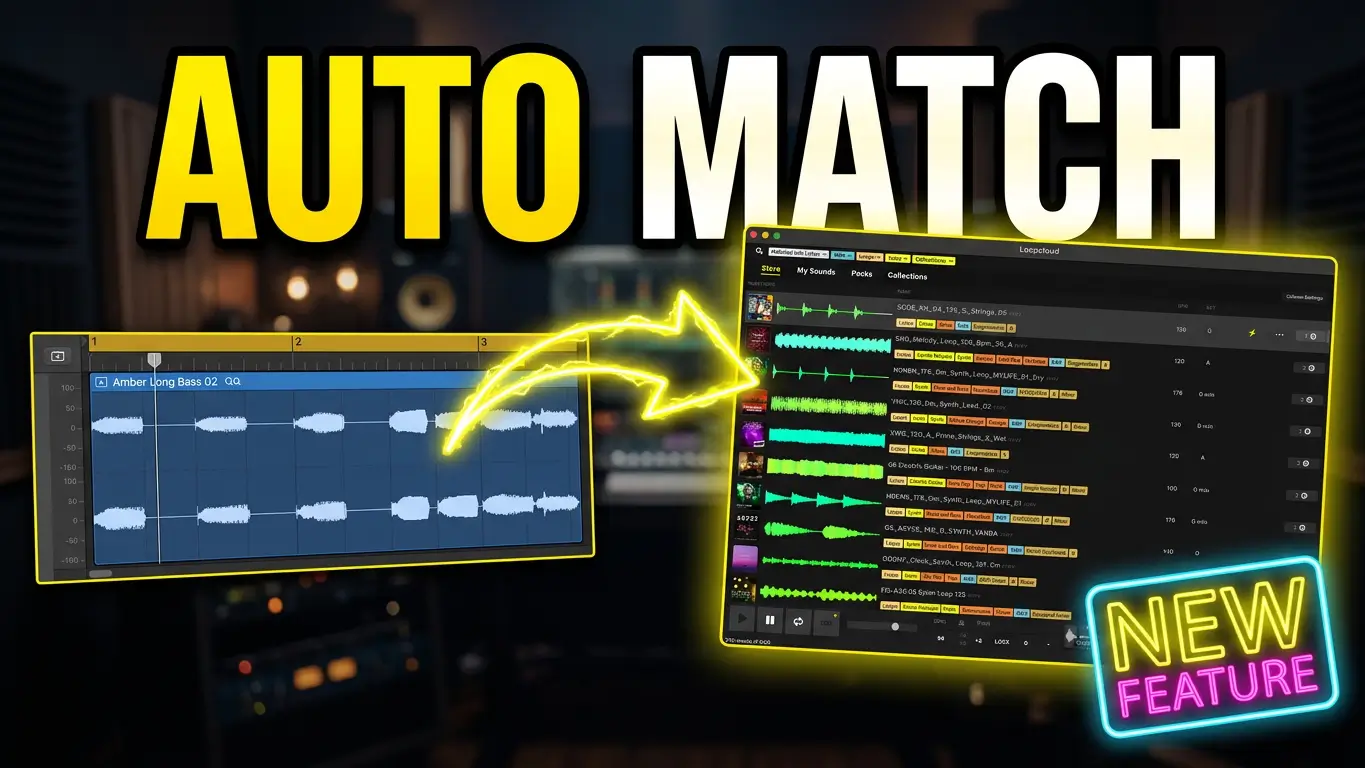
Finding the right samples for an existing song can take time, especially when you have a musical idea already in place and need additional sounds that work with it. Loopcloud 8 Listen is designed to help by analyzing your music and suggesting loops and samples that fit what you’re working on.
Watch the video below to see how Loopcloud Listen works with an existing track.
How Does Loopcloud Listen Work?
Rather than starting with a blank project, I begin with a simple beat I created using Apple Loops. I let Loopcloud Listen analyze the music and suggest sounds that I can use to expand the arrangement.
The idea is to find samples that work with something you’ve already created. Instead of browsing through sounds individually and repeatedly dragging them into your DAW to test them, you can explore suggestions based on your existing musical material.
In the video, I demonstrate how this approach can help me develop a simple beat into a more complete arrangement. I also create a short synth riff and use Listen to find additional sounds that can be blended with it.
Build New Ideas From a Synth Riff
A synth riff can be a useful starting point, but adding complementary sounds can make a big difference to the direction of a track. I use Loopcloud Listen to explore matching samples, combine different parts, and see how the results work together.
From there, I can search for additional sounds, experiment with different combinations, and change parts that aren’t working.
I also demonstrate how to start with an empty track inside Loopcloud and explore drum grooves. Tempo matching helps me audition grooves that fit the music, making it easier to find something that works with the existing idea.
Once the arrangement starts taking shape, I can search for bass sounds and use sample flipping to explore different possibilities.
Flip Samples and Use Your Own Libraries
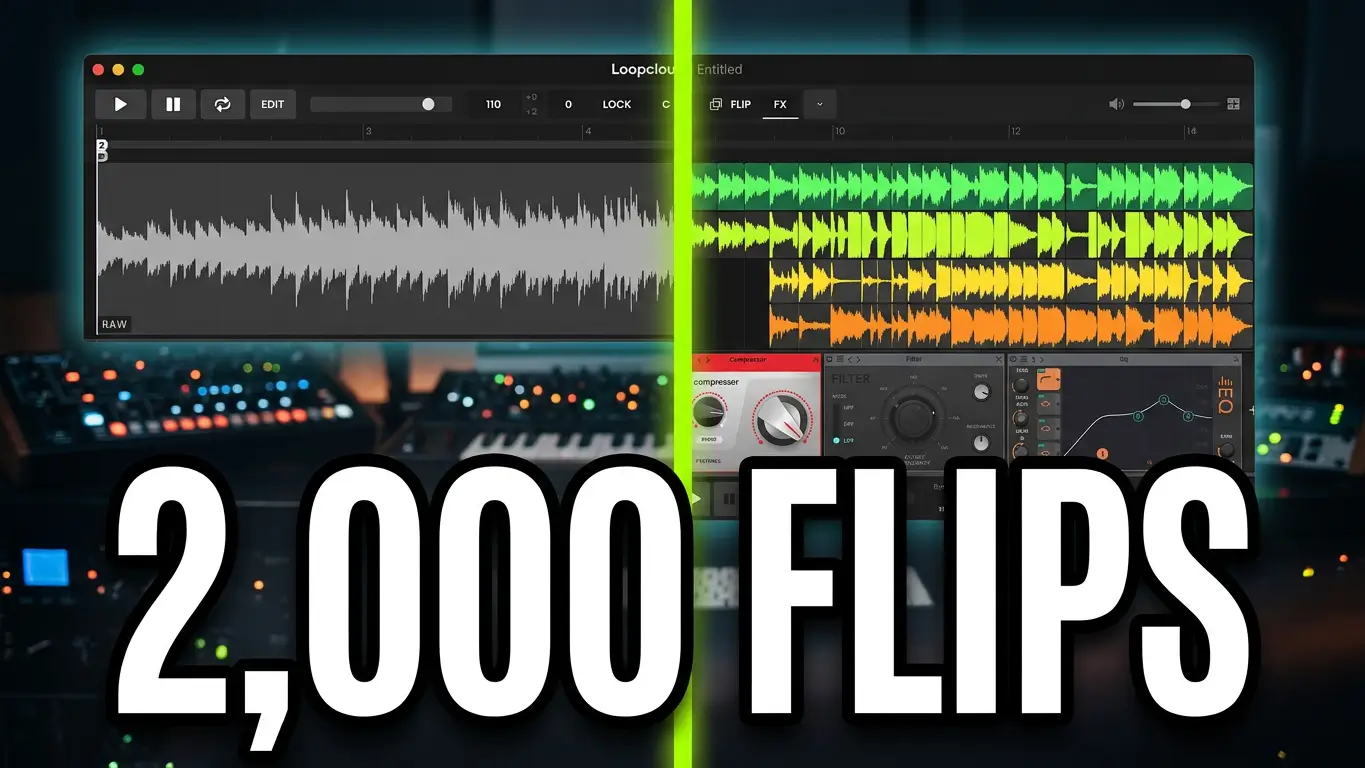
Loopcloud 8 includes Flip, with approximately 2,000 presets for transforming samples. This gives you additional options when a loop needs a different sound or you want to experiment with variations.
Another useful feature is the ability to search your own sample libraries after indexing them in Loopcloud. This can help you make use of sounds you already own while exploring new combinations for your music.
You can edit tracks and experiment with sounds inside Loopcloud, then drag the results into your DAW. Once they’re there, you can manipulate the samples further, rearrange sections, and find additional loops for different parts of the song.
The original musical idea doesn’t have to remain in the final arrangement, either. In my demonstration, I even consider removing the initial part once the new sounds have given me a direction to follow.
What Else Is Included in Loopcloud 8?
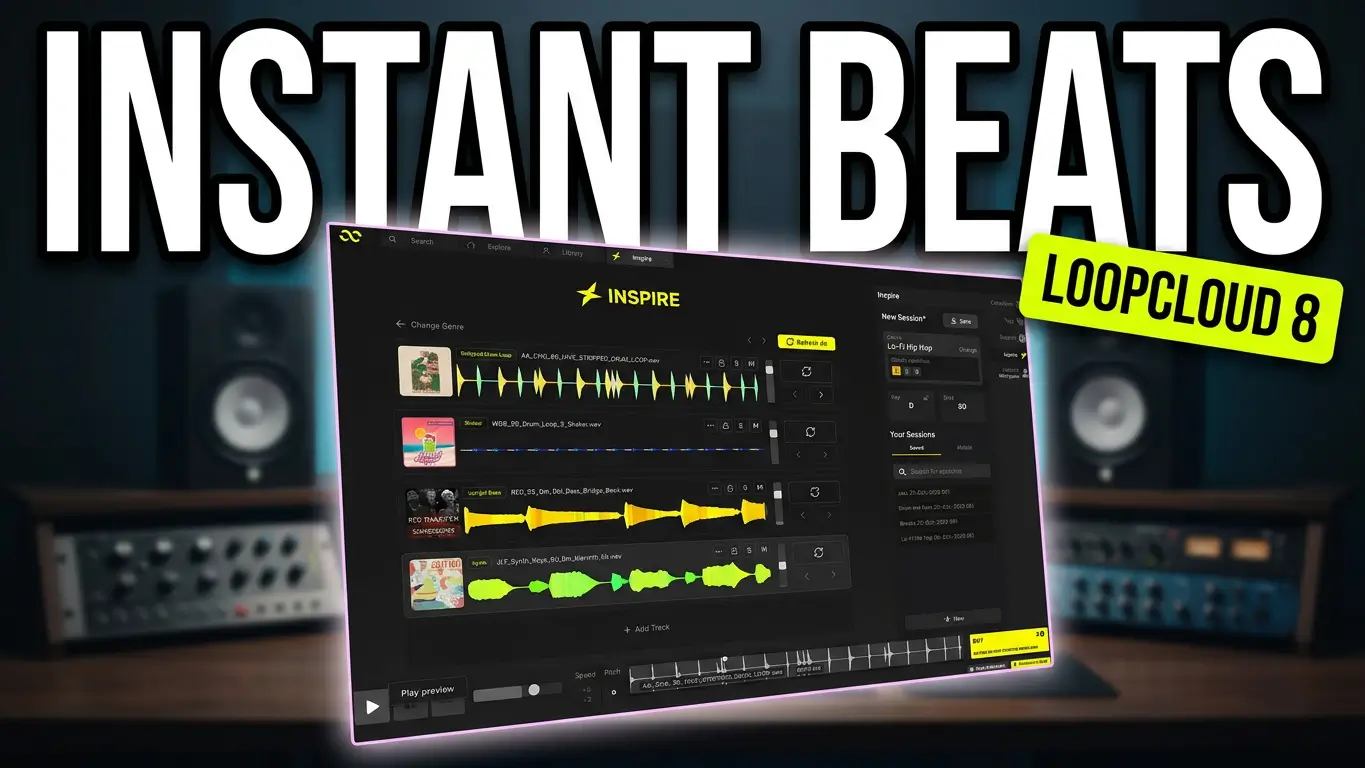
Listen is only one part of Loopcloud 8. The software also includes Inspire, which can generate four starting tracks based on a selected genre. Other features include a mobile app, advanced search, harmonic matching, and five new effects.
These tools offer different ways to discover sounds and develop musical ideas, whether you’re building from scratch or expanding a track you’ve already started.
Is Loopcloud Listen Useful for Music Producers?
If you regularly work with samples, loops, and prerecorded sounds, Loopcloud Listen offers a different approach to sample discovery. Instead of searching without a clear direction, you can start with your own music and explore sounds that may complement it.
It’s particularly interesting when you already have a beat, chord progression, or synth riff but want to explore new directions without manually testing every sample in your collection.
Watch the video above to see the complete process, from analyzing an existing beat to finding drums and bass, flipping samples, and moving new ideas into a DAW.
This post contains affiliate links. If you make a purchase through these links, I may earn a commission at no additional cost to you. Thanks for supporting the blog!
How do you find samples that fit your tracks? Do you browse manually, use matching tools, or build everything around sounds you’ve already written?
Leave a Reply