
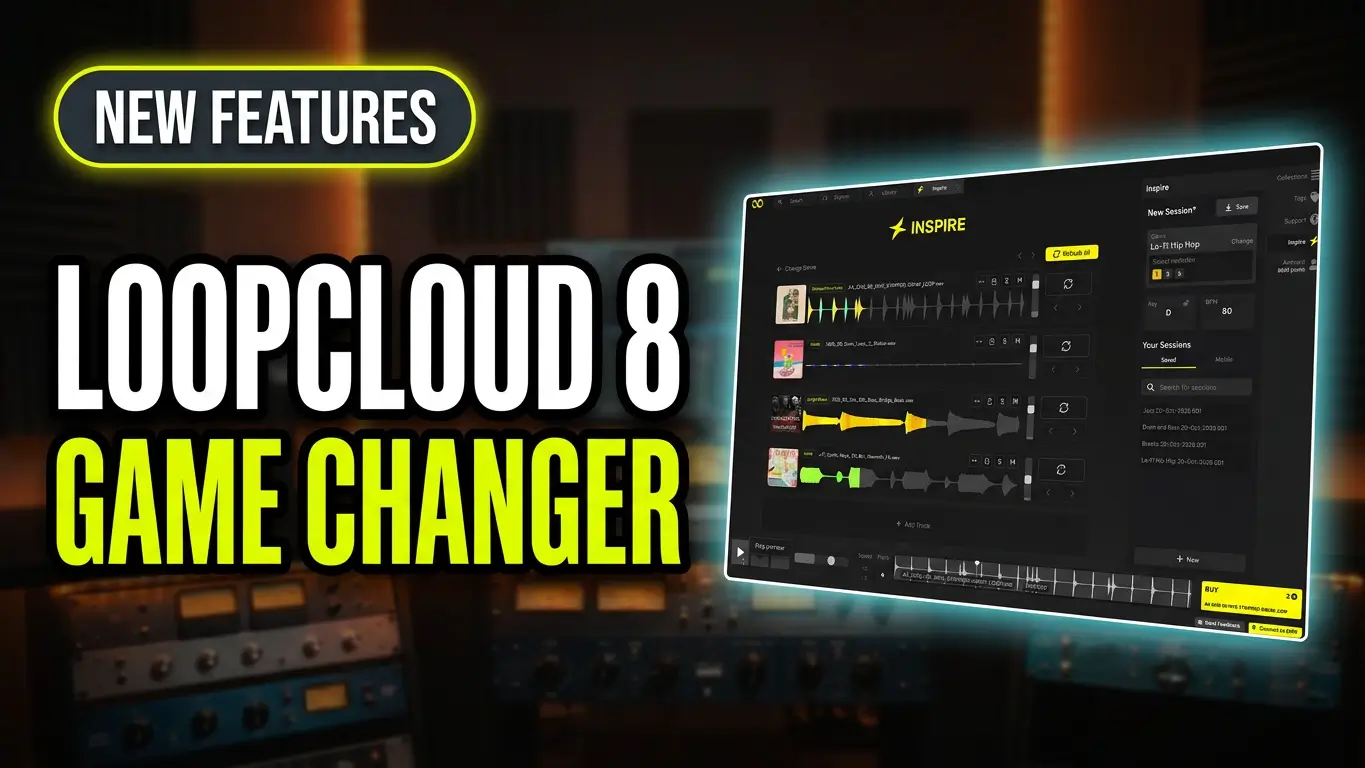
Loopcloud 8 introduces new tools designed to help music producers find the right samples, generate fresh musical ideas, and improve their creative workflow. The update includes Listen, which helps you find samples that fit your music, and Inspire, which generates track ideas based on your chosen genre.
Loopcloud’s existing Flip feature also gets a substantial collection of around 2,000 presets to experiment with, giving you more ways to transform samples. On top of that, Loopcloud 8 adds advanced search options, support for your own sample libraries, a mobile app, and five new effects.
In this video, I take a look at the new features and explore what the latest version brings to music production.
Listen: Find Samples That Fit Your Music
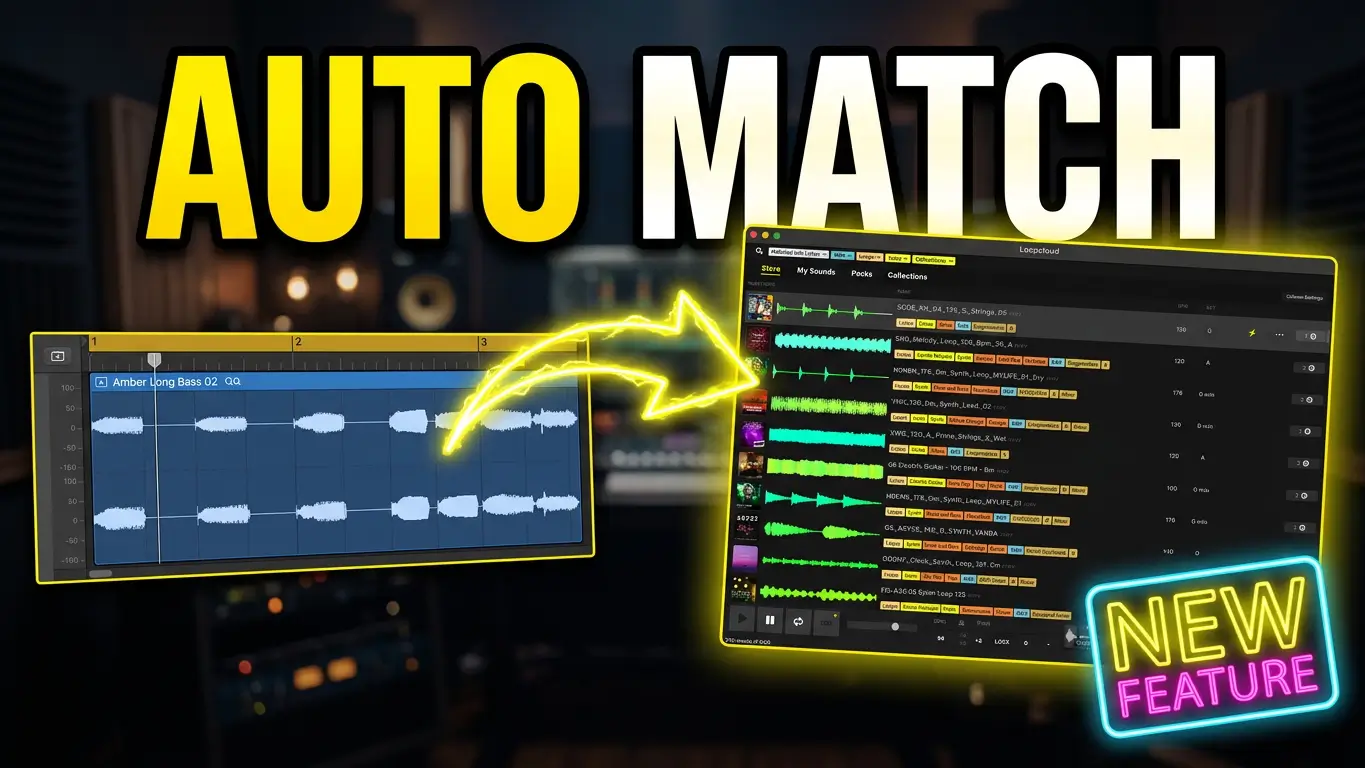
Listen helps you discover samples that complement the music you’re already working on. By analyzing your track, it can suggest sounds that fit your musical ideas, helping you build arrangements without spending as much time searching manually.
Whether you’re working with beats, synths, drums, or bass, Listen offers another way to find sounds that work with your existing material.
Inspire: Generate New Track Ideas
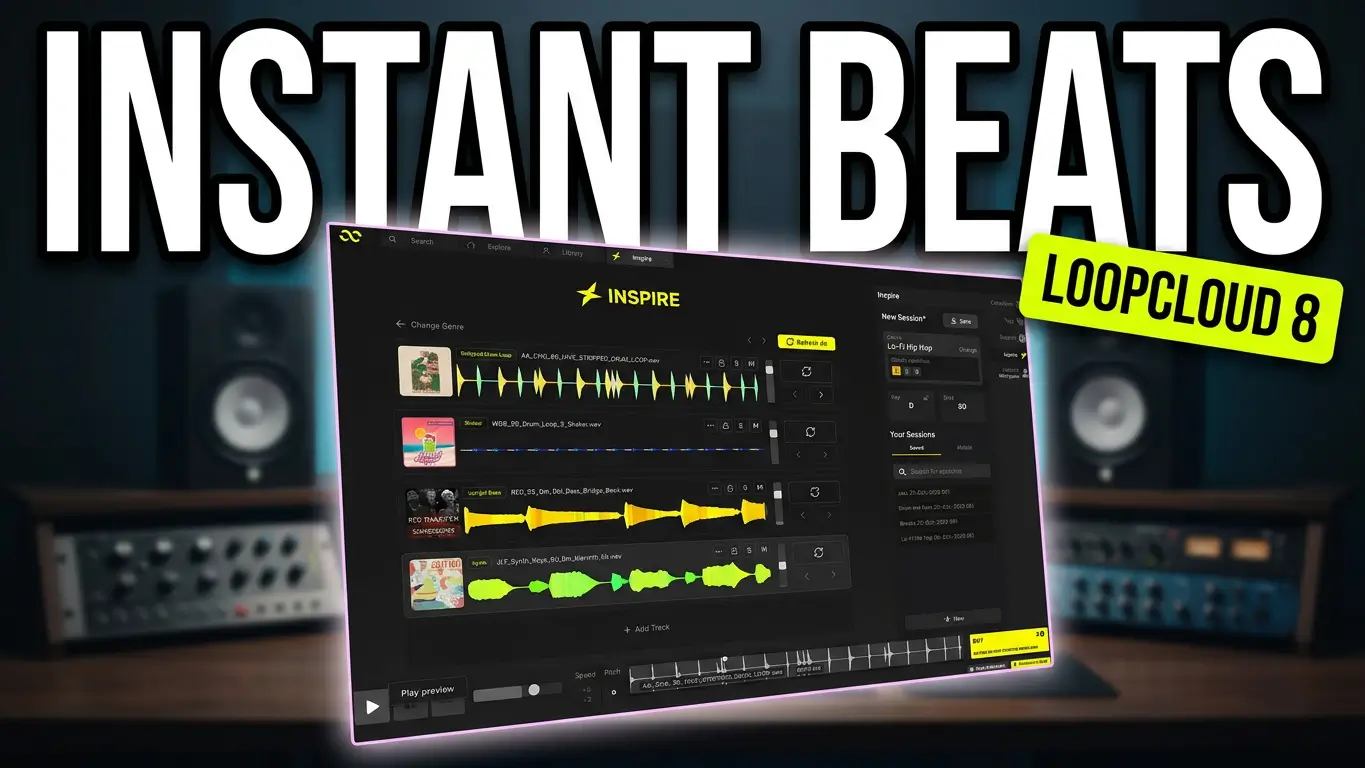
Inspire is designed to help you get ideas moving when you’re starting a new track or looking for inspiration. Choose a genre, generate a collection of tracks, and experiment with different sounds and arrangements.
You can explore the results, change samples, try different presets, and develop the generated material into something of your own.
Flip: Around 2,000 Presets to Explore
Flip isn’t a new feature in Loopcloud 8, but it now offers around 2,000 presets for transforming samples. You can experiment with guitar loops, bass lines, drum sounds, and one-shots to create variations ranging from subtle changes to unusual, creative effects.
It’s a useful way to take a familiar sample and push it in a completely different direction.
Other New Features in Loopcloud 8
The update includes several additional improvements for sample-based music production:
- Advanced Search: More options for narrowing down your searches and finding suitable sounds.
- Harmonic Matching: Find samples that complement the musical key or harmonic content of your material.
- Rhythm Matching: Discover sounds that better fit the rhythmic feel of your track.
- Personal Sample Libraries: Index and search your own sample collection as part of your workflow.
- Mobile App: Access Loopcloud on your mobile device.
- Five New Effects: More sound-shaping options for processing and experimenting with samples.
Is Loopcloud 8 Worth Exploring?
Loopcloud 8 offers a combination of new creative tools and improvements to existing features. Listen helps you find sounds that fit your track, Inspire gives you new starting points, and the expanded Flip preset collection offers more ways to experiment with samples.
The additional search options, personal library support, mobile app, and new effects round out the update for producers who regularly work with samples.
I’ve also made dedicated videos covering Listen, Inspire, and Flip, so you can see these tools in action.
Which Loopcloud 8 feature interests you the most? Let me know in the comments!
Affiliate Disclosure: This link is an affiliate link, which means I may earn a commission if you make a purchase through it, at no extra cost to you. Thanks for supporting my content.
Leave a Reply