
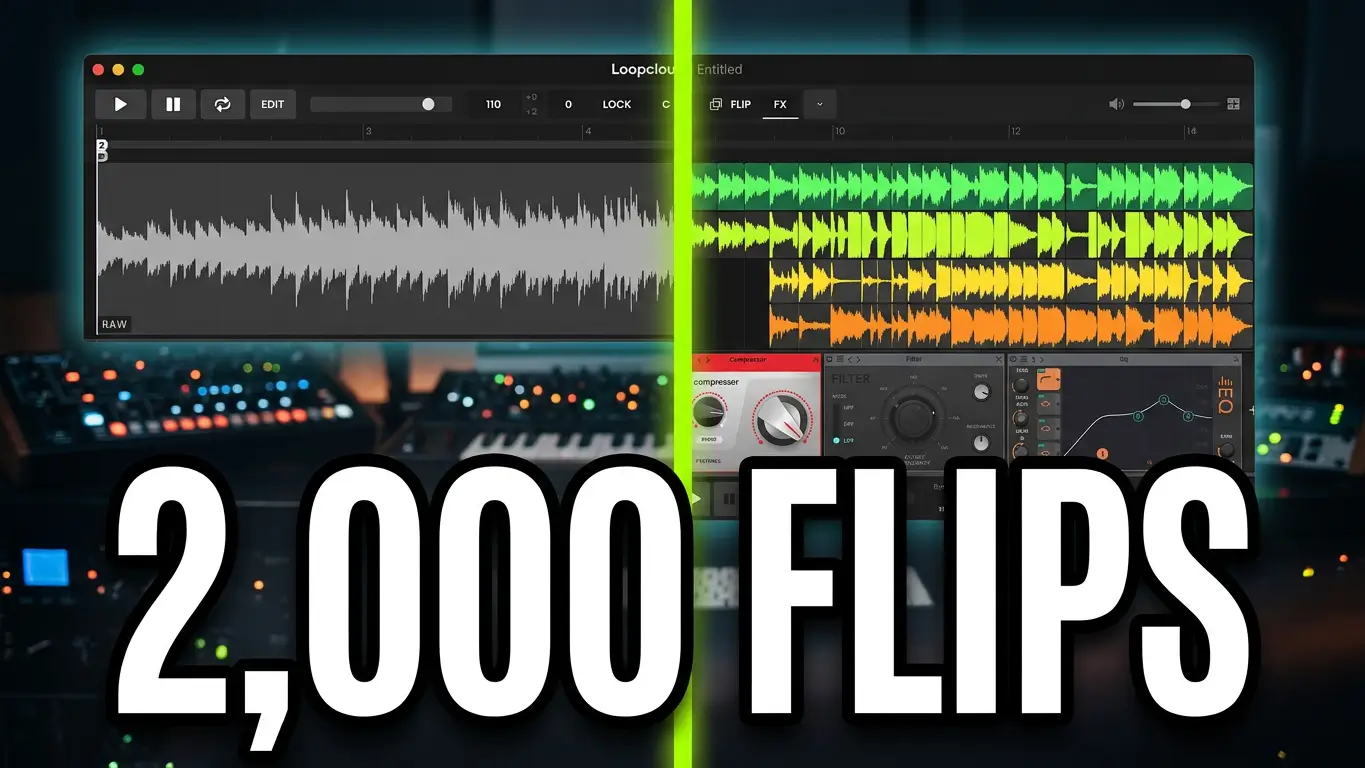
What happens when you take a simple guitar loop, a drum hit, or a bass sample and start transforming it into something completely different? That’s what I explore in my latest video using Loopcloud 8 Flip, which includes approximately 2,000 presets for experimenting with samples and creating new sounds.
Watch the video below to hear what happens when I start flipping samples in Loopcloud 8.
What Is Loopcloud 8 Flip?
Loopcloud 8 Flip lets you transform samples using a wide range of presets. Instead of using a loop exactly as it comes, you can experiment with different variations, change its character, and discover sounds you might not have thought to create yourself.
I start the demonstration with a guitar loop and browse through the available Flip presets. Selecting categories helps narrow down the options, but there’s plenty of room to experiment and see what happens when you try different treatments.
Some variations work better than others, but that’s part of the fun. You can quickly audition different possibilities and keep the versions that fit your track.
From Guitar Loops to Drums and Bass
After experimenting with the guitar sample, I add a drum track and start exploring Loopcloud’s sample library. Loopcloud 8 also lets you import and index your own sample collection, so you can work with sounds you already have alongside the samples available through its catalogue.
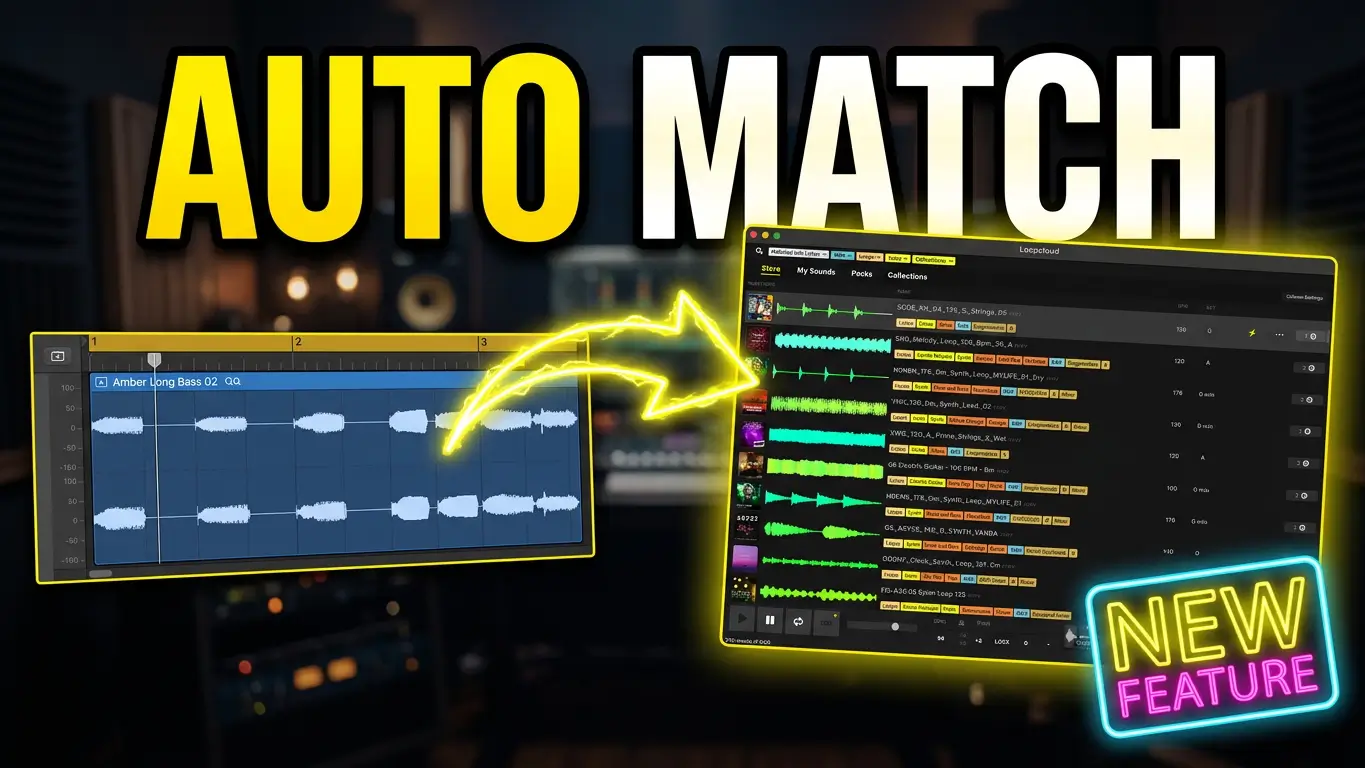
Next, I look for bass sounds and demonstrate some of the available search options, including rhythm matching and harmonic matching. These tools can help you discover samples that work with the other parts of your arrangement.
Once I’ve found some sounds I like, I return to Flip and experiment with more transformations. I also explore editing tracks inside Loopcloud and applying effects to change the character of the samples.
Things Get a Little Crazy With One-Shot Samples
One of my favorite parts of the demonstration is using One-Shot Flip on a snare hit. A single drum sound can become something much more unusual after trying different transformations.
These sounds might not all work as conventional drum hits, but that doesn’t mean they’re useless. Some of the more extreme results could be useful for risers, transitions, fills, or other sound-design elements in a track.
I also experiment with the grain effect and other processing options to see how far I can push the sounds. Sometimes you get something practical, and sometimes you end up somewhere completely unexpected.
Take Your Flipped Samples Into Your DAW
Once you’ve created something you like, you can export your sounds into your digital audio workstation (DAW). Loopcloud lets you export with effects baked into the audio or use dry audio if you’d rather handle the processing yourself.
From there, you can arrange the samples, introduce them at different points in the song, and create variations between sections. You don’t have to use every transformed sound as a main musical part, either. An unusual sample might work better as a transition or background texture.
That’s what makes sample flipping interesting: even if a transformation doesn’t immediately sound like something you’d use, it might inspire another idea.
Is Loopcloud 8 Flip Worth Exploring?
If you enjoy working with samples and experimenting with sound design, Loopcloud 8 Flip gives you plenty of possibilities to explore. The approximately 2,000 presets provide a starting point, while the ability to edit, process, and export samples gives you flexibility in how you use the results.
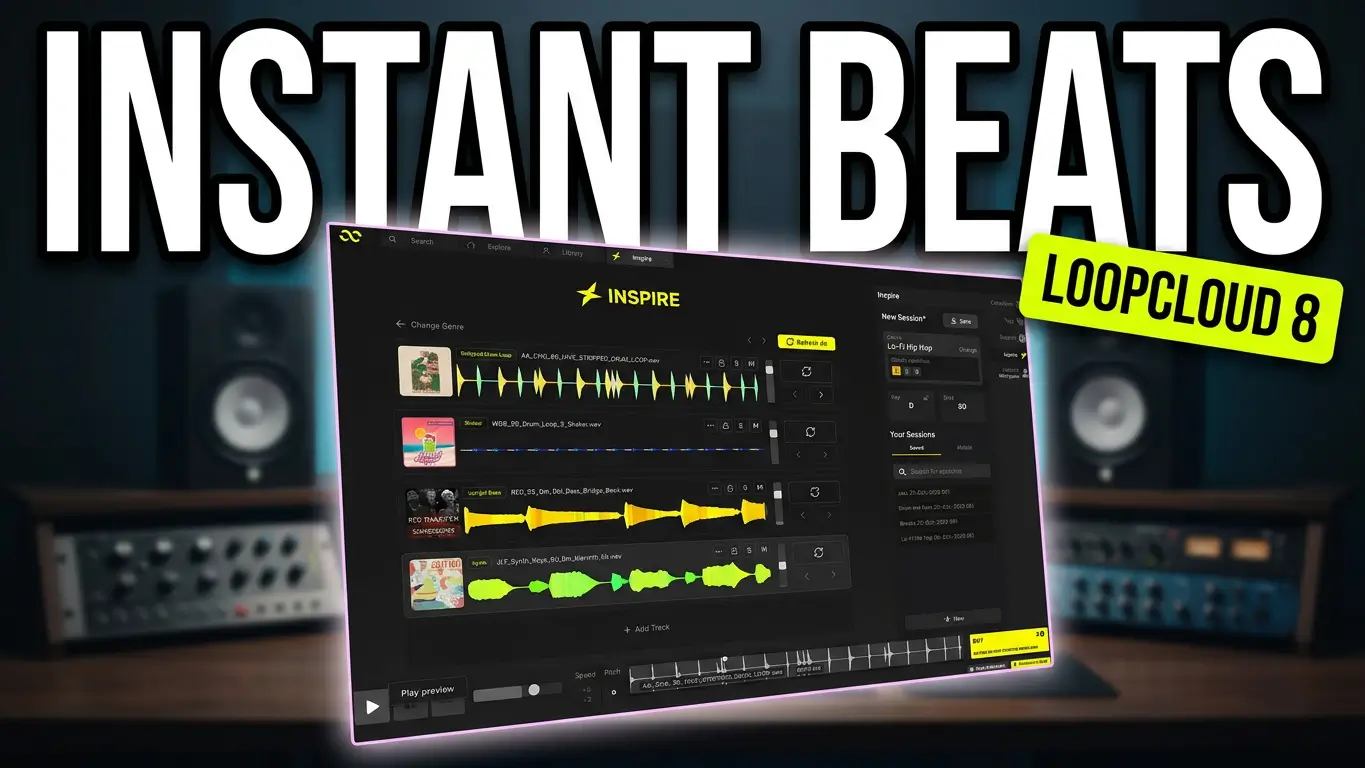
Loopcloud 8 also includes Inspire, advanced search, harmonic matching, a mobile app, and five new effects, so Flip is just one part of the overall toolset.
Watch the video above to hear the transformations for yourself and see how I use Flip on guitar loops, bass parts, drums, and one-shot samples.
Affiliate Disclosure: This post contains affiliate links. If you make a purchase through these links, I may earn a commission at no additional cost to you.
Leave a Reply