
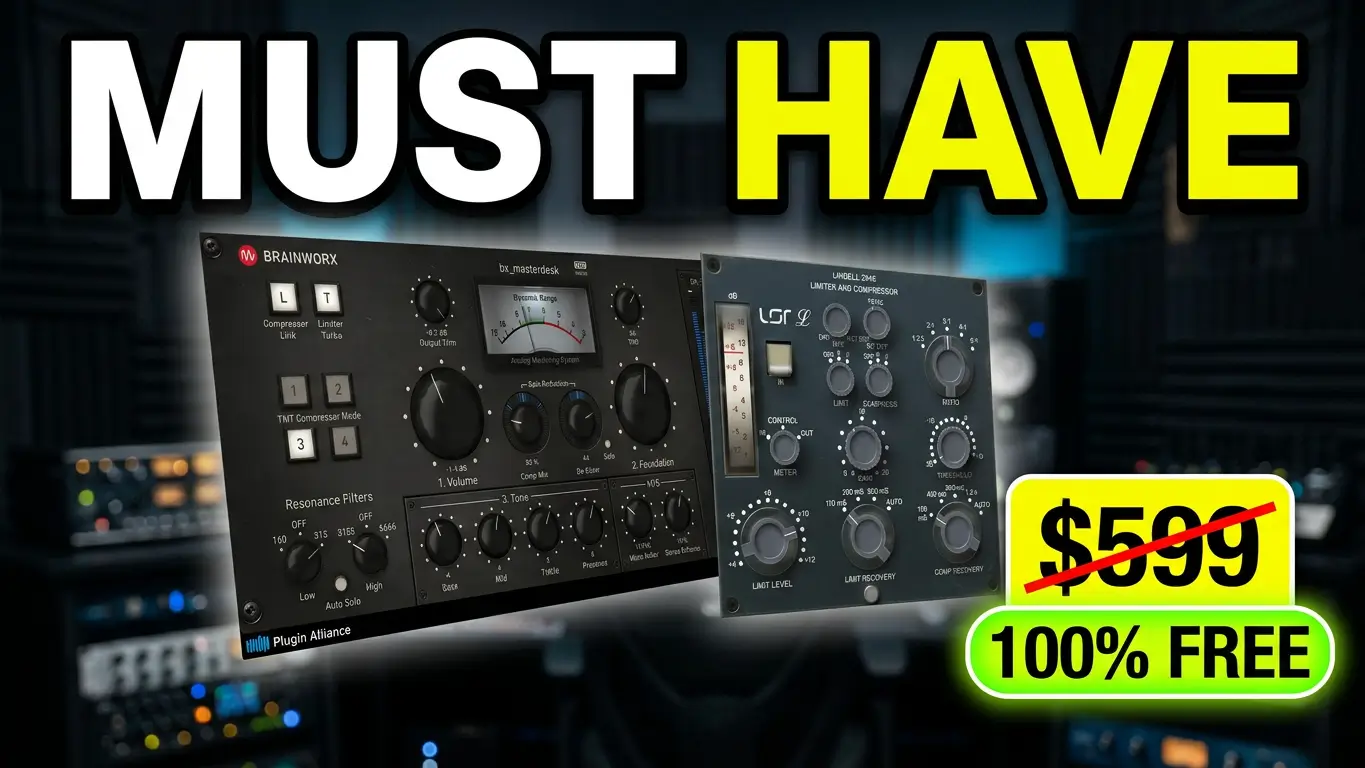
Plugin Alliance has another collection of free audio plugins worth checking out if you’re producing, mixing, or mastering music. This time, we’re looking at six tools from Brainworx, Lindell Audio, and Apogee, covering everything from analog-style mastering and vintage console emulation to frequency control and limiting.
These are quick introductions rather than full reviews or audio demonstrations. I’ll show you what each plugin is designed to do so you can decide which ones are worth downloading and trying in your own studio.
Watch the Video
I
n this video, I take a quick look at six free plugins available through Plugin Alliance and explain what each one brings to a music production workflow.
The Six Free Plugins
1. Brainworx bx_masterdesk
The Brainworx bx_masterdesk is an analog-style mastering plugin designed to simplify the process of getting a finished sound inside your DAW. It brings several mastering functions together in one interface, making it an option for producers who want a straightforward starting point for mastering their own music.
I’ve used this plugin before, and one of its main attractions is how quickly you can get results without building an elaborate chain of separate processors.
2. Brainworx bx_console
The bx_console plugin brings the character of a high-end vintage analog mixing console into your digital audio workstation. Console emulations can be useful when you want to add tonal character and a more traditional console-style workflow to your tracks.
3. Lindell Audio 254E
The Lindell Audio 254E is an emulation of a classic compressor and limiter. Compression and limiting can help control dynamics, add punch, and shape the character of individual tracks or groups of instruments.
4. Brainworx bx_refinement V3
This is one of the plugins I plan to download and explore further. The bx_refinement V3 is designed to address harsh frequencies and help create smoother mixes while retaining clarity in vocals, instruments, and live recordings.
If you’re dealing with recordings that sound overly bright or fatiguing, this is worth investigating to see whether its approach works for your material.
5. Brainworx bx_boom V3
The bx_boom V3 is aimed at low-frequency enhancement. Tools in this category can help producers shape the weight and impact of kick drums, bass, and other low-end elements when a mix needs more focused energy.
6. Apogee Soft Limiter
The Apogee Soft Limiter is designed to control sudden peaks and increase loudness while maintaining a natural, musical sound. A limiter can be useful during mixing and mastering when you need to manage transient peaks without allowing the signal to exceed your intended level.
How to Get the Free Plugins
Visit the official Plugin Alliance Free Plugins page to check the current selection and access instructions.
The general process is straightforward:
- Create a free Plugin Alliance account or sign in to an existing account.
- Download the Plugin Alliance Installation Manager, if needed.
- Find the available free plugins and install the ones you want.
- Open your DAW and check that the plugins have been installed and activated correctly.
Product availability, account eligibility, supported formats, and licensing requirements can vary, so check the official listings before downloading.
Are These Free Plugins Worth Trying?
Free plugins are a useful way to explore different approaches to mixing and mastering without immediately spending money. You might already own some of these tools, as I do, but there may be something in the collection that fills a gap in your current setup.
I’m particularly interested in trying bx_refinement V3. I’ll download it, install it, and see how it works in practice. That may be worth a closer look in a future video.
There are plenty of free plugins appearing alongside paid releases, and not every tool needs to be free to be useful. The important thing is finding software that helps you get the sound you want and fits the way you work.
Check out the six plugins here: Plugin Alliance Free Plugins
This post contains affiliate links. If you purchase through these links, I may earn a commission at no additional cost to you. This helps support my content and lets me keep creating music production videos and articles.
Leave a Reply