
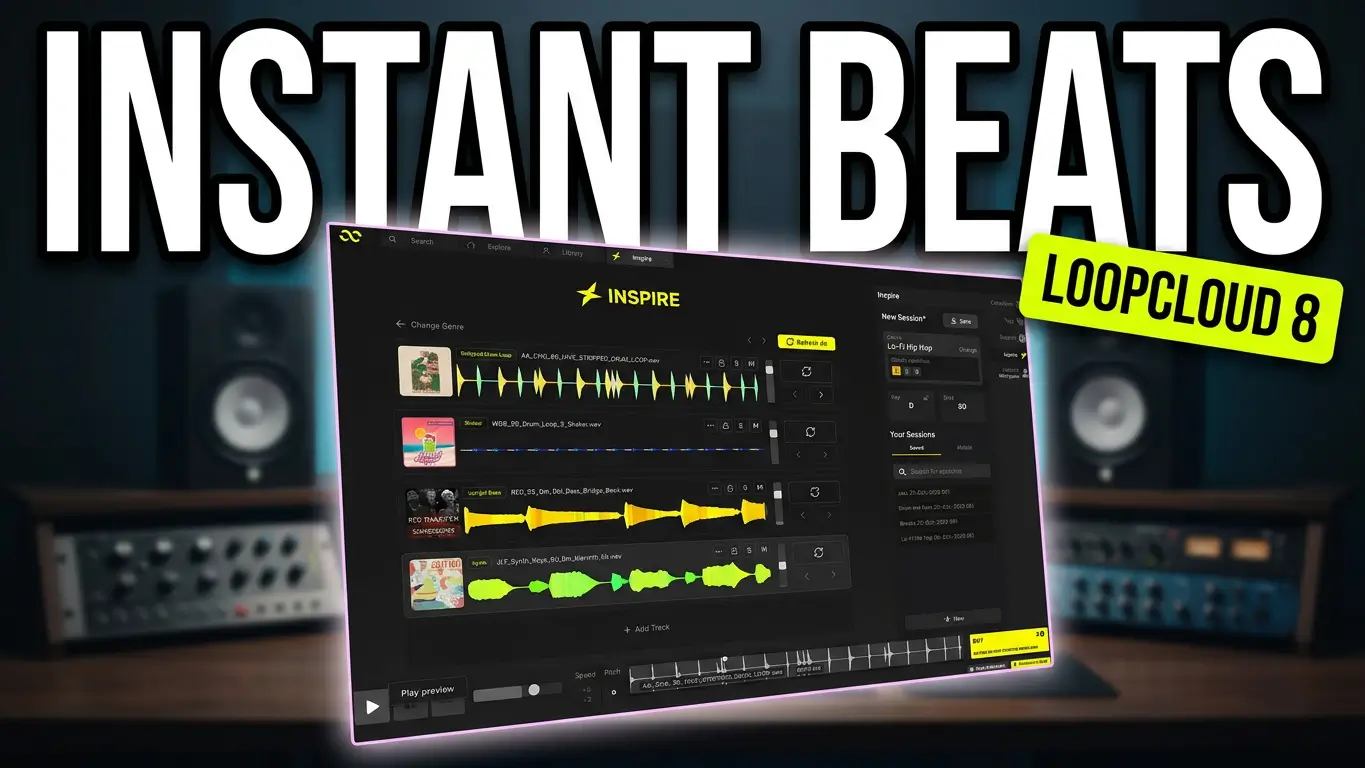
Ever sit down to make music and find yourself staring at an empty DAW session, wondering where to start? Loopcloud 8 Inspire is designed to help you get past that blank-page problem by generating musical starting points from samples, loops, and sounds you can develop into your own tracks.
Watch the video below to see Loopcloud 8 Inspire in action.
What Is Loopcloud 8 Inspire?
Loopcloud 8 Inspire is a feature designed to help producers generate new musical ideas without having to build every part of a track from scratch. You can select a genre, generate a collection of tracks, audition the results, and experiment with different sounds until you find something worth developing.
In my demonstration, I start with hip-hop and narrow it down to lo-fi hip-hop. Loopcloud generates four tracks that give me a starting point for building a musical idea. From there, I can audition the individual parts, explore variations, and replace sounds that don’t fit what I’m trying to create.
The interesting part is that you’re not locked into whatever Loopcloud generates. You can keep experimenting, change individual loops, and develop the arrangement in your own direction.
Flip Samples and Explore Thousands of Presets
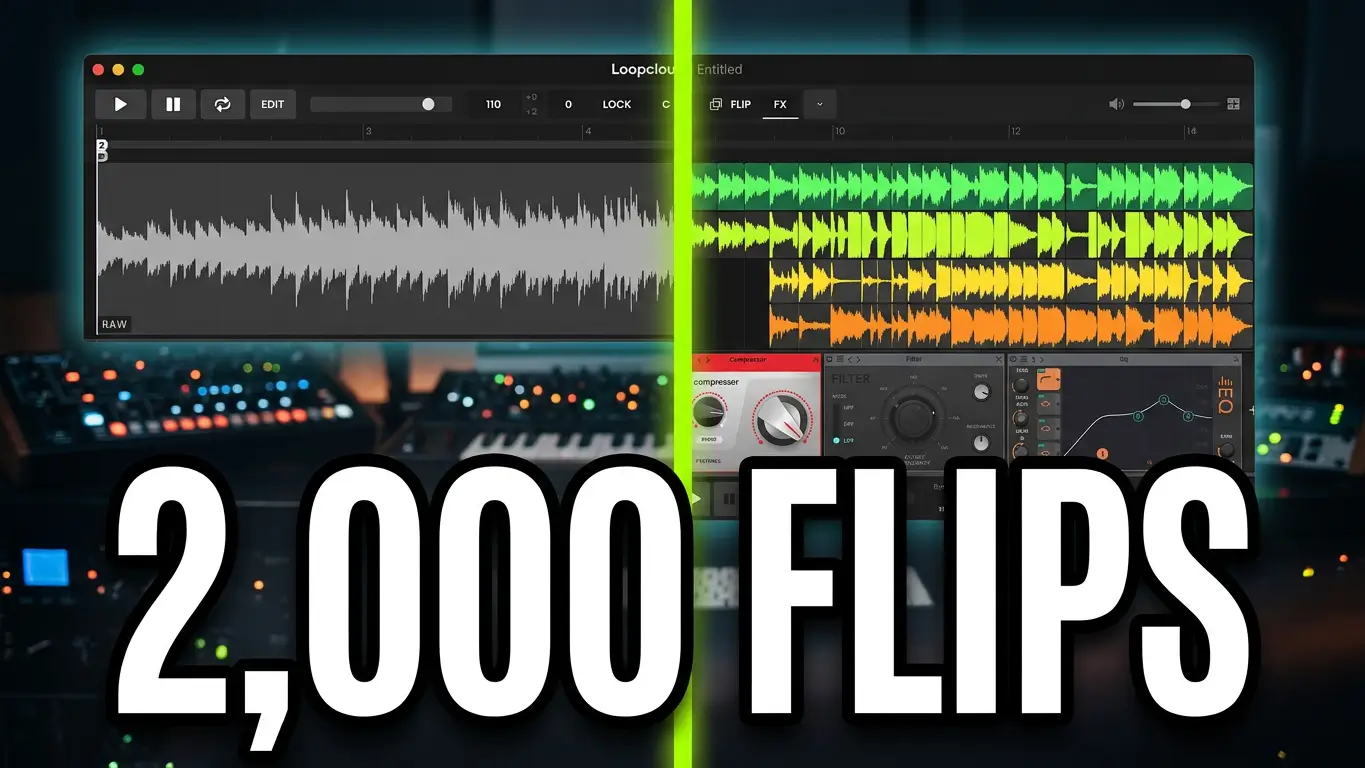
One of the features I explore in the video is Flip, which includes approximately 2,000 presets for transforming samples. Instead of accepting a loop exactly as it appears, you can experiment with different treatments and variations to find something that works better for your track.
I also experiment with changing individual parts, including an organ sound, and adding effects to give the arrangement a different character. You can add more tracks, explore other instruments, and build up an idea without leaving Loopcloud immediately.
This makes Inspire useful for more than simply generating an initial beat. It gives you material to experiment with when you’re not sure what direction a track should take.
Use Your Own Sample Libraries
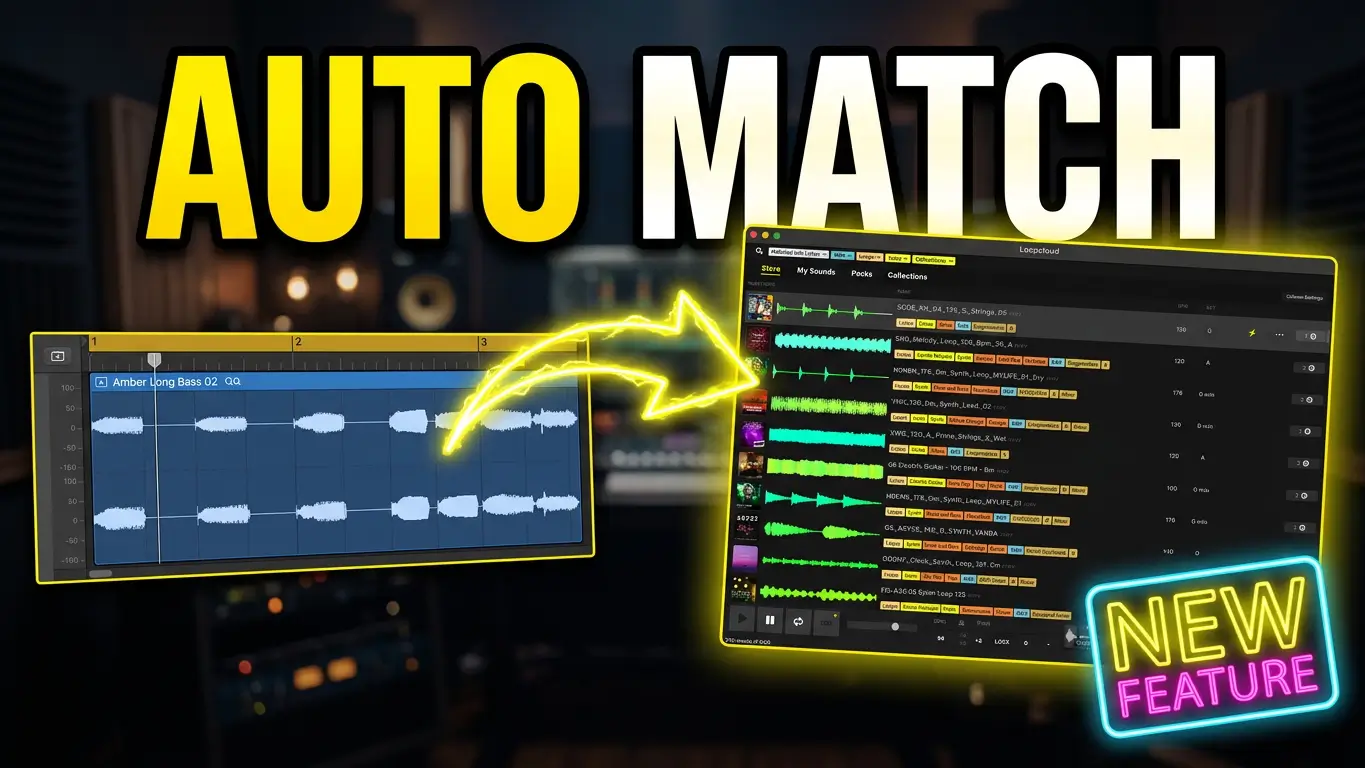
Loopcloud can also work with your own sample libraries once you index them in the application. That means you can bring your existing collection of sounds into your workflow instead of relying exclusively on the samples available through Loopcloud.
You can edit and manipulate sounds inside Loopcloud, experiment with effects, and drag your chosen loops into your DAW when you’re ready to continue arranging and producing.
Keep in mind that samples from Loopcloud’s catalogue may require a purchase or subscription credits, depending on how you access them.
Is Loopcloud 8 Inspire Worth Exploring?
If you enjoy building tracks from loops but sometimes struggle to find a starting point, Inspire offers another way to approach the creative process. You can use its generated tracks as a foundation, replace the parts you don’t like, and turn the results into something that reflects your own musical ideas.
You don’t have to keep the generated arrangement intact, and you don’t have to use every sound it provides. Think of it as a starting point for experimentation rather than a finished song.
Watch the video above to see how I use Loopcloud 8 Inspire to generate ideas, flip samples, add effects, and build an arrangement that can eventually be moved into a DAW.
Have you tried Loopcloud Inspire? I’d be interested to hear whether you prefer starting with a generated arrangement or building your tracks one sound at a time.
This post contains affiliate links. If you make a purchase through these links, I may earn a commission at no additional cost to you. Thanks for supporting the blog!
Leave a Reply