
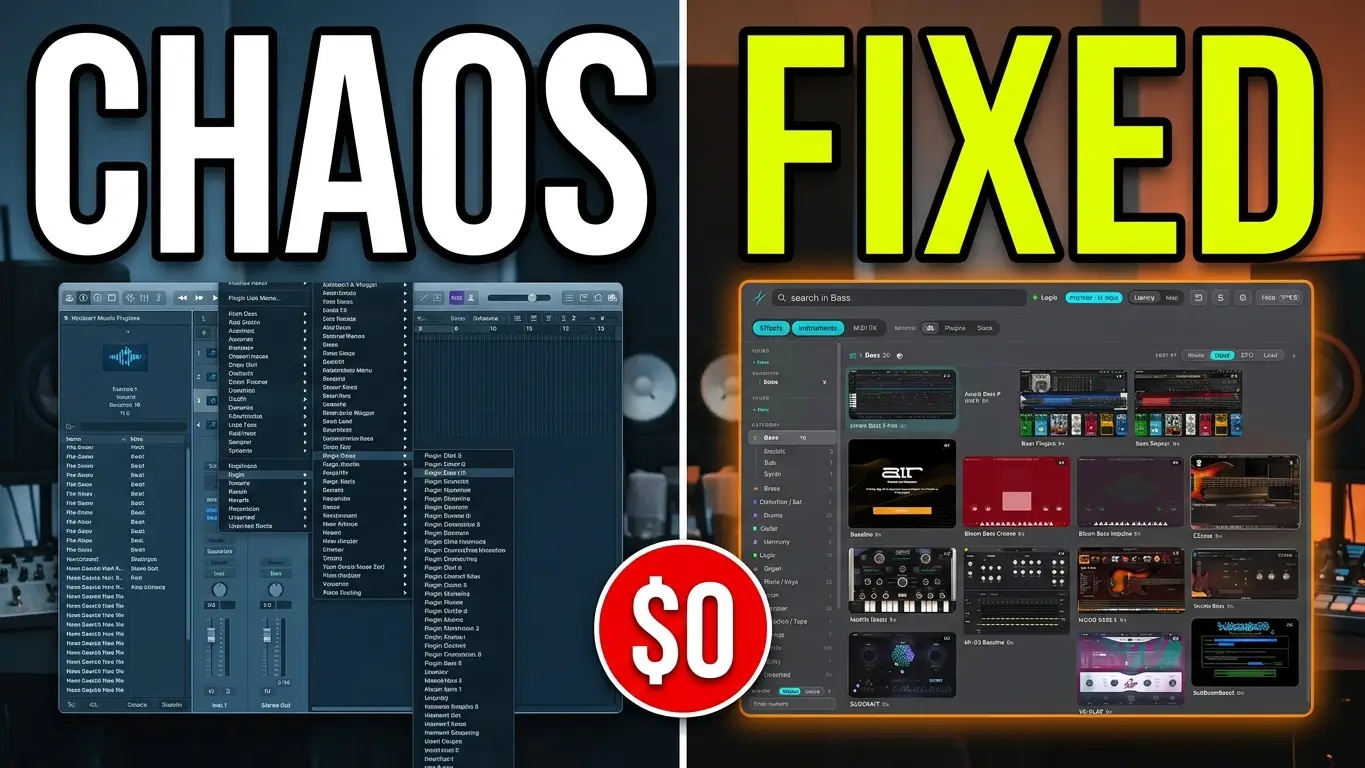
If you’ve been producing music for years, chances are you’ve accumulated more audio plugins than you can keep track of. Finding a particular instrument or effect can mean digging through long plugin menus, and duplicate plugin formats can take up a surprising amount of storage space.
Plugindex is a standalone application designed to make managing a large plugin collection easier. It provides a visual browser for your plugins, lets you load them into your DAW, supports keyboard shortcuts, and includes tools for auditing your plugin library.
In this video, I take a look at Plugindex and test its features, from browsing and loading plugins to identifying unnecessary plugin formats that may be taking up valuable storage space.
What Is Plugindex?
Plugindex is a plugin management application that runs alongside your digital audio workstation (DAW). Instead of relying entirely on the plugin menus inside your DAW, you can browse a visual library of your installed instruments and effects.
The application displays images of your plugins, making it easier to recognize them at a glance. You can search by name, browse categories, and explore instruments, effects, and channel strips.
For producers with large collections, this offers another way to find tools without remembering every plugin’s name or navigating through multiple menus.
Plugindex supports nine DAWs, including Logic Pro, Ableton Live, Pro Tools, FL Studio, Cubase, Nuendo, Bitwig Studio, REAPER, and Fender Studio Pro. Specific features and compatibility depend on the DAW and its version.
Load Plugins Directly Into Your DAW
One of the most useful features I tested was loading plugins directly into a track.
Rather than opening the usual plugin insert menu, I could select a plugin in Plugindex and load it onto the selected track. I also tested keyboard shortcuts that let me load specific plugins by pressing a key.
For example, I demonstrated loading a bass instrument and switching to Addictive Drums 2 using a mapped keyboard shortcut.
This kind of workflow can be helpful when you’re recording, arranging, or experimenting with sounds and want to spend less time navigating menus.
Keyboard mappings are worth setting up carefully, though. Depending on your DAW and configuration, shortcuts can conflict with existing key commands, so check your assignments before making them part of your regular workflow.
Find Plugins You Forgot You Owned
Another interesting feature is the ability to browse your collection by category.
You can explore instruments, bass sounds, channel strips, dynamics processors, equalizers, and other types of plugins. There is also a random selection feature that can pick a plugin for you to try.
I found this particularly interesting because a large plugin collection can contain plenty of instruments and effects that haven’t been used in a long time.
Random selection gives you a simple way to revisit those tools and potentially discover something useful for your next project.
However, my testing also revealed that some plugins appeared in the wrong categories. For example, certain guitar instruments appeared under strings. Some manual checking and recategorization may be necessary to keep the library organized.
Find Out How Much Plugin Storage You Can Recover
The Library Health feature was one of the more interesting parts of my test.
Plugindex identified approximately 47 GB of potentially recoverable storage in my plugin collection. Of that amount, around 37 GB was associated with 675 plugins that had VST2 copies alongside VST3 versions.
I also have AAX plugins installed even though I don’t use Pro Tools.
If you have accumulated multiple plugin formats over the years, these are worth investigating. Removing formats you no longer need can free up storage space, provided the remaining versions meet your DAW and project requirements.
Mac users may also find it useful to identify plugins that only load when running under Rosetta.
Important: Don’t delete plugin formats just because they appear redundant. Check which versions your DAW uses, whether older projects depend on them, and whether you need them for other applications before removing anything.
Plugindex can help identify potential candidates for cleanup, but you should verify what you can safely remove.
Additional Features Worth Exploring
Plugindex can also sort plugins by CPU usage, giving you a way to identify instruments and effects that use more processing resources.
In my test, Addictive Drums 2 appeared near the top of the list. That doesn’t automatically mean it’s a problem, but the information can be useful when troubleshooting a demanding project.
The application also provides statistics about your plugin library and takes screenshots of plugin interfaces during indexing. With a large collection, the initial indexing process can take some time.
One other detail worth understanding is how plugin removal works. Removing an entry from Plugindex does not necessarily uninstall the corresponding plugin from your computer. You may need to delete the actual plugin file separately using the appropriate method for your operating system and DAW.
Is Plugindex Worth Trying?
Plugindex offers a different approach to plugin organization. The visual browser, direct loading, keyboard shortcuts, library statistics, and storage auditing tools could be useful if your collection has grown beyond what you can comfortably manage through your DAW’s menus.
My testing also revealed a few limitations, including incorrect categories and potential keyboard shortcut conflicts. Those are worth considering before making it part of your everyday workflow.
There is a free version and a paid version, so you can investigate the available features and see how well the application works with your own setup.
For me, the most interesting features are the ability to load plugins quickly and identify unnecessary plugin formats that occupy valuable storage space.
You can find more information, check DAW compatibility, and download Plugindex from the official website:
Have you tried Plugindex, or do you have another way of organizing a large plugin collection? Let me know in the comments.
This post is based on my own testing of Plugindex. Features, compatibility, and pricing may change over time, so check the official website for current information

Leave a Reply