
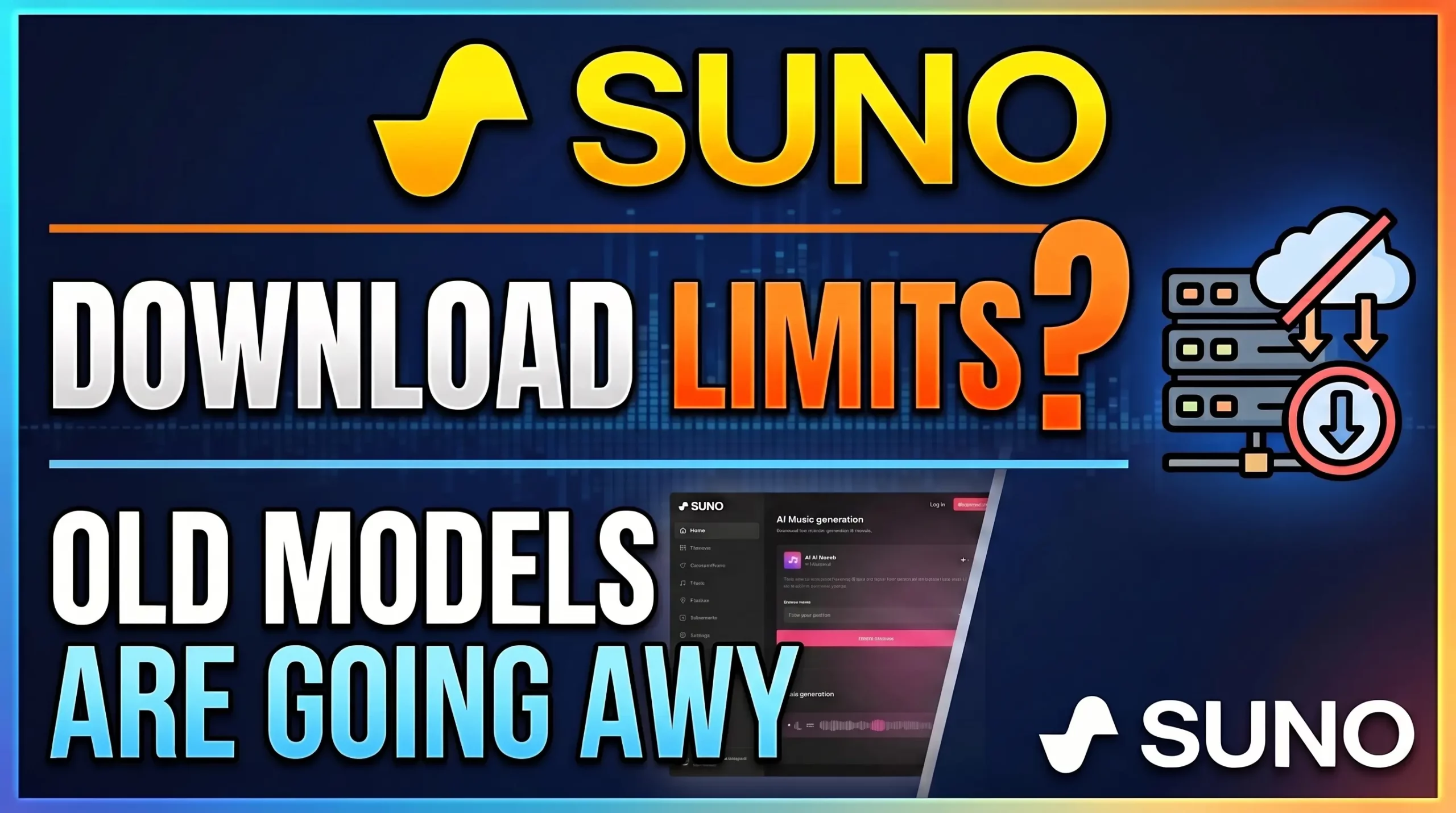
Suno is changing its download system on September 3, 2026, introducing download limits for Free, Pro, and Premier users while also retiring older models and clarifying what happens to existing songs.
WATCH THE VIDEO: SUNO Nukes Downloads?! Here’s What Changed
Suno is making some of its biggest changes yet to how users download and work with music on the platform.
Related Post: Can AI Capture the Feeling of a Human-Written Song? Exploring Beautiful Day Beautiful Life
Starting September 3, 2026, Suno will introduce limits on music downloads. The new system affects both new and existing songs in your Suno library, although your songs themselves will remain available to listen to and share on Suno.
There are also changes coming to older Suno models, commercial-use rights, and the way extensions, remixes, and covers work with songs created using retired models.
Here’s what Suno’s new FAQ says and what these changes could mean if you use Suno to create your own music.
Suno Download Limits Start September 3, 2026
The biggest change is the introduction of download limits.
Under the new system:
- Free: 7 lifetime trial downloads
- Pro: 20 downloads per month
- Premier: 60 downloads per month
Pro and Premier download allowances reset on the user’s billing date. Unused downloads do not roll over to the next month.
This means that if you’re a Pro subscriber and only use five downloads during a billing period, you won’t have 35 downloads available the following month. Your allowance resets to 20.
The new limits are specifically about downloading files from Suno. They do not limit how many songs you can listen to or share within the Suno platform.
Are My Existing Suno Songs Being Deleted?
No.
This is one of the most important points in Suno’s announcement.
Your existing Suno library is not being deleted, and songs you’ve already created will remain playable and shareable on Suno.
However, the new download restrictions apply to all music on Suno starting September 3, 2026, including songs created before the new rules take effect.
So if you have hundreds of songs in your Suno library today, those songs aren’t automatically grandfathered into the old unlimited-download system.
The distinction is important:
Your existing music stays in your Suno library, but downloading it will be subject to the new limits.
How Many Suno Downloads Do You Get?
Here’s the new download structure in simple terms:
| Suno Plan | Downloads |
|---|---|
| Free | 7 lifetime trial downloads |
| Pro | 20 per month |
| Premier | 60 per month |
| Suno Studio | Unlimited downloads |
The Free plan’s seven downloads are lifetime trial downloads. They do not reset every month.
Pro and Premier downloads reset monthly on the subscriber’s billing date.
Suno also says that users who reach their download limit will be able to purchase additional downloads.
What Counts as One Suno Download?
Suno has also clarified how downloads are counted.
One song counts as one download, regardless of the format.
For example, downloading the same song more than once does not consume additional downloads.
Suno also says that downloading a song and its stems counts as one download rather than counting each stem individually.
So you don’t have to worry about using separate download credits for the WAV, MP3, or individual stems associated with the same song.
Failed or interrupted downloads also won’t count against your quota.
Can I Still Listen to My Suno Songs?
Yes.
The new download limits do not mean you are limited to listening to a certain number of songs.
Suno says your entire library remains fully playable and shareable through the platform, including for Free users.
You can continue to:
- Listen to your songs on Suno
- Share your songs using Suno links
- Keep your existing library
- Use existing songs as starting points for supported creative features
The restriction applies to getting downloadable files off the Suno platform.
That’s an important distinction because the new system is primarily changing the way users export their music.
What Happens If You Cancel Suno?
Suno says canceling your subscription does not delete your music library.
Your songs remain in your account and continue to be available for listening and sharing through Suno.
However, if you return to the Free tier, your downloads will be subject to the Free plan’s seven lifetime trial downloads.
This is particularly relevant for people who currently have annual Suno subscriptions that included unlimited downloads.
If you’re considering canceling, it may be worth reviewing which songs you actually need to download before your subscription ends.
What About Commercial Rights to Suno Music?
Another important part of the new FAQ concerns commercial use.
Suno states that songs downloaded from the platform by paying subscribers have commercial rights, allowing those songs to be used for commercial or personal purposes.
This is an important area to understand if you use Suno as part of a songwriting, production, or release workflow.
However, commercial rights, ownership, copyright, licensing, and copyright registration are not necessarily the same thing.
If you’re using Suno to create music for commercial release, you should read the current Suno Terms of Service and understand exactly what rights apply to your specific situation.
The terms can be found on Suno’s website:
Suno Terms of Service — September 2026
Suno Studio Has Different Download Rules
There is an important exception to the new download limits.
Suno says users working in Suno Studio will continue to be able to download their work without limitation.
Studio is Suno’s professional production environment for generating and manipulating stems and samples.
That means the new download system is primarily aimed at downloads from the regular Suno Library and Workspace rather than disrupting professional Studio workflows.
For users who rely heavily on Suno Studio as part of a production process, this could be a significant difference.
What Happens to Songs Created With Older Suno Models?
Suno is also retiring older music-generation models.
But retiring a model does not mean that the songs created with that model disappear.
Existing songs remain in your library and can still be played and shared.
What changes is the ability to create new music using the retired model.
This means an older song can remain exactly as it was even after the model that created it is no longer available for new generations.
Can I Still Extend or Remix an Old Suno Song?
Yes.
Suno says existing songs created with retired models can still be used as the starting point for extensions, remixes, and covers.
However, there’s an important catch.
Those new generations will run using the newer models.
As a result, an extension, remix, or cover may sound different from what you would have received when the original song was created with the older model.
The original song itself is not changed.
Think of it this way:
The original stays intact. Any new generation uses the new technology.
This could be particularly important if you have developed a workflow around the sound or behavior of a specific older Suno model.
What If I Prefer an Older Suno Model?
Suno says it plans to provide alternative options when the new models launch that are intended to get users close to some of their previous workflows.
Exactly how close those alternatives will be remains to be seen.
For people who have spent a lot of time developing prompts, workflows, and production techniques around a particular Suno model, this may be one of the more interesting changes to watch.
Different AI music models can produce noticeably different results, even when using similar prompts.
What Should Suno Users Do Before September 3?
If you have a large Suno library, the September 3 deadline is worth paying attention to.
The new rules do not mean you need to download everything you’ve ever created. Your library will remain available on Suno.
However, if there are particular songs, versions, stems, or productions that you know you want stored locally, you may want to prioritize those downloads.
This is especially relevant if you have:
- Finished songs you plan to release
- Favorite versions of songs
- Important production demos
- Songs created with older models
- Stems you intend to use in another DAW
- Songs you want to archive locally
- Projects that are part of a larger songwriting workflow
The new limits make it more important to think about which Suno creations actually need to be exported.
The Bottom Line
Suno’s September 2026 changes are significant, but they aren’t as simple as saying “Suno is deleting your music.”
That’s not what the FAQ says.
Your existing songs remain in your Suno library.
You can still listen to them.
You can still share them.
And songs created with retired models aren’t being deleted or modified.
The major change is that downloads become limited starting September 3, 2026, and those limits apply to existing songs as well as new ones.
Free users receive seven lifetime trial downloads, Pro users receive 20 monthly downloads, and Premier users receive 60 monthly downloads.
Suno Studio users will continue to have unlimited downloads from Studio.
At the same time, older Suno models are being retired. Existing songs remain available, but new extensions, remixes, and covers will use the newer models.
For creators using Suno as part of a serious songwriting or production workflow, these changes are worth understanding before they take effect.
What do you think about Suno’s new download limits? Do you think 20 downloads per month for Pro users is reasonable, or does limiting downloads fundamentally change how you use Suno?

Leave a Reply