
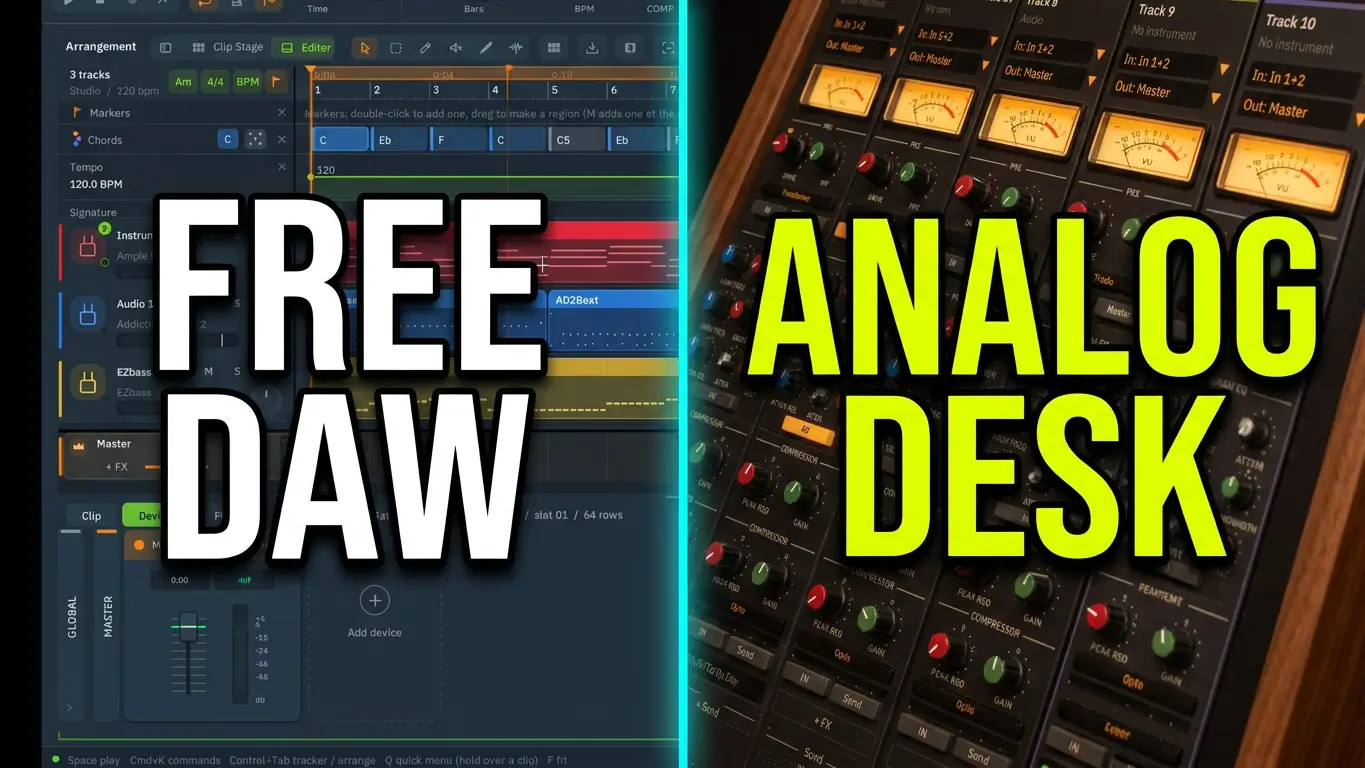
MorningDAW is a digital audio workstation featuring a chord progression generator, piano roll MIDI editing, and music production tools designed to help songwriters create chord progressions, generate bass lines, and develop musical ideas faster. In this video, I demonstrate how to use MorningDAW’s chord generator to create a four-bar lo-fi progression, write MIDI chords to an instrument, build a beat with piano, bass, and drums, and customize the arrangement using built-in editing tools. I also explore chord voicings, MIDI transposition, strumming, melody generation, and exporting tracks to other DAWs.
If you’re looking for a free chord progression generator or new MIDI songwriting tools to improve your music production workflow, this walkthrough shows how MorningDAW can help you get started.
Exploring the Free Chord Progression Generator
The first feature I test is MorningDAW’s chord progression generator. It includes a range of styles, such as cinematic, ambient, Indian pop, emo pop, synth, wave, blues, rock, funk, and country.
For this demonstration, I select lo-fi and create a four-bar chord progression. I also explore the chord speed and variation settings to see how they can change the generated musical idea.
Another useful option is the ability to choose how the chords are voiced. MorningDAW offers full chords, light three-voice chords, pad, open, shell, power, and bass-note options. These different voicings provide flexibility when building arrangements for different instruments.
Creating Piano Chords and Bass Lines
After generating a progression, I load an instrument so I can preview the chords. MorningDAW can write the generated notes directly to the selected instrument, making it easier to move from a generated idea to an editable MIDI part.
I then add the piano chords to a lo-fi arrangement featuring a drum track from Addictive Drums 2. On a separate bass track, I use the chord tools to create a bass line quickly.
This workflow demonstrates how generated chord progressions can provide the foundation for a basic arrangement. Instead of beginning with an empty project, you can start with chords, add a bass part, and build around the musical material.
Editing MIDI in the Piano Roll
Generated MIDI is a starting point rather than a finished composition. MorningDAW’s piano roll lets you edit the notes, reshape chords, create melodic phrases, and transpose musical parts.
In the video, I experiment with changing notes and moving the bass part up an octave. I also explore the possibility of using generated chords as material for melodies, although I generally prefer writing my own melodies.
The piano roll provides a way to take the original progression and make it more personal. You can adjust the notes to suit your instruments, arrangement, and songwriting style.
Building a Lo-Fi Beat
To develop the example further, I add a pad sound and adjust the drums with cabinet processing and reverb to help create a lo-fi character.
I also select multiple chords on another track and experiment with strumming. Small changes like these can add movement and help a basic progression feel more developed.
The same approach can be used to create reusable starting templates for different genres. You can prepare tracks for different instruments, generate new progressions, and expand the arrangement into additional song sections.
Exporting Musical Parts to Other DAWs
MorningDAW also includes bounce and export options for transferring musical parts into other workflows. This can be useful if you want to experiment with its chord generator and MIDI tools but prefer to complete your projects in another DAW.
Learning a new digital audio workstation can take time, so being able to export musical material may provide a practical way to incorporate selected features into an existing production setup.
Is MorningDAW Worth Exploring?
MorningDAW’s chord progression generator offers a useful starting point for musicians who want to experiment with harmony and develop songwriting ideas more quickly. Its combination of chord generation, MIDI editing, instrument tracks, and export options makes it worth exploring if you are looking for additional tools for your music production workflow.
The main benefit is having a generated progression that you can immediately customize rather than treating the output as a finished song. You remain in control of the chords, melodies, sounds, and arrangement.
Watch the video to see the chord progression generator in action, follow the process of building a lo-fi beat, and explore the MIDI editing and export features for yourself.
Topics covered: MorningDAW, free chord progression generator, MIDI editing, piano roll, songwriting tools, lo-fi beat production, bass line generation, chord voicings, MIDI export, digital audio workstation.

Leave a Reply