
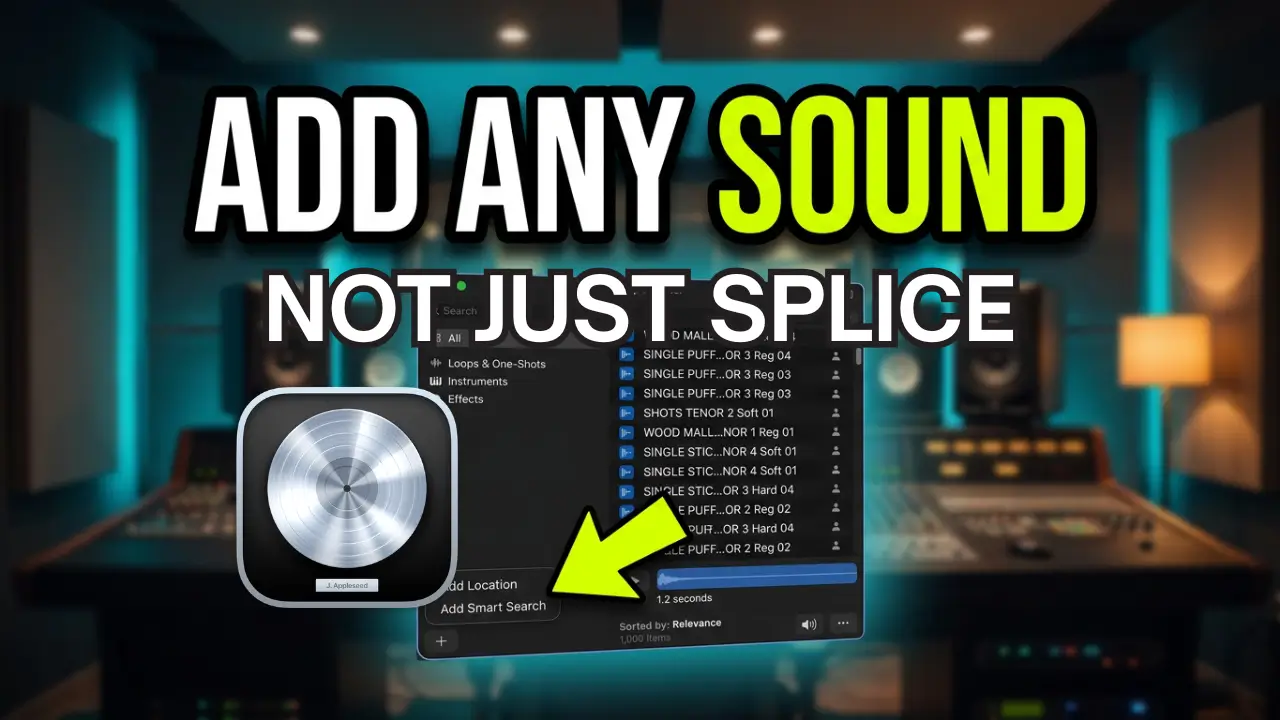
One of the useful additions in Logic Pro 13 is the improved Loop Browser and its integration with Splice. But what if you have your own collection of drum samples and third-party sample packs? You aren’t limited to Splice.
Logic Pro 13 lets you add your own sample folders to the browser, making it easier to access your existing collection of kicks, snares, percussion, and other audio samples without having to browse through folders in Finder.
Watch the video below to see how it works.
How to Add Your Own Sample Libraries to Logic Pro 13
When you first open Logic Pro 13, it automatically searches for your Splice Sounds and makes them available in the Loop Browser.
However, if you have other sample libraries installed on your Mac, you’ll need to add those locations yourself.
Fortunately, it’s a quick process.
Open the Loop Browser and look toward the bottom of the sidebar. Click the Add Location option and navigate to the folder containing your sample collection.
For this demonstration, I’m using a third-party drum sample pack containing different drum sounds.
Select the folder and click Open. Logic will scan the samples and make them available in the browser.
Finding Your Samples in the Browser
Once Logic has scanned the folder, your samples should become available in the browser.
One thing I ran into during the demonstration was that my samples weren’t initially appearing in the results. The reason was that I needed to select the appropriate tag in the browser.
Once I selected the tag, the samples appeared as expected.
This is useful because you can bring in sample collections from different developers and access them alongside your other available sounds.
Testing Tempo Matching
After adding the samples, I wanted to see how well Logic handled dragging one directly into an existing project.
The sample I selected was originally at 120 BPM, while my project was running at 92 BPM.
I dragged it into the project, and Logic adjusted the sample to match the project tempo.
The time stretching was pushed a little further than ideal, but the sample was playing in time with the project.
Since these were drum samples, musical key wasn’t particularly relevant for this demonstration.
You’re Not Limited to Splice
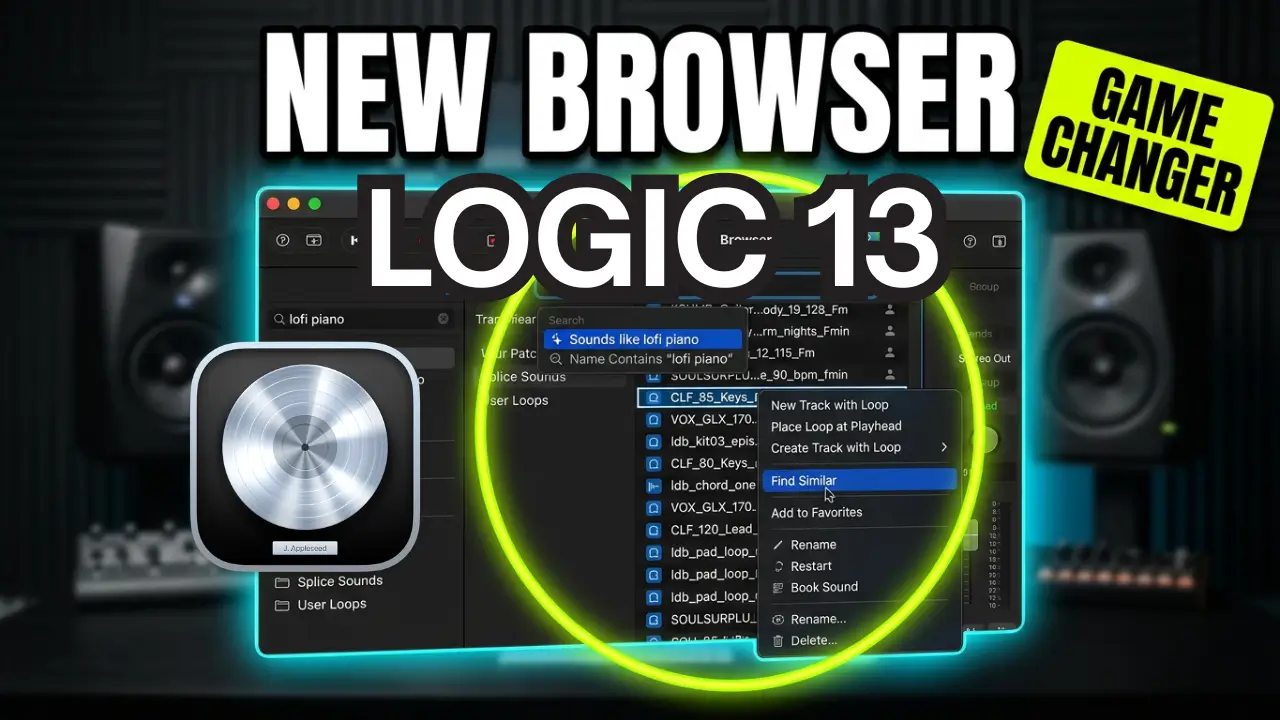
The important thing to remember is that Logic Pro 13’s Loop Browser isn’t just about Splice integration.
You can add your own sample folders and bring existing third-party collections into the browser.
If you’ve accumulated years of drum samples, one-shots, loops, and sample packs, this gives you another way to access that material directly inside Logic.
It’s a simple addition to the workflow, but one worth knowing about if you regularly work with samples.
Logic Pro 13 makes it easier to bring your existing sample collection into one place, rather than relying exclusively on Splice.

Leave a Reply