

Apple’s Logic Pro 13 update brings several new features to Apple’s popular digital audio workstation, including Drum Splitter, an updated browser, a redesigned on-screen keyboard, and new MIDI performance tools.
But while there are some improvements worth checking out, there are still a few things I’d like Apple to address. In particular, native ARA support remains missing, and accessing the new AI assistant requires an Apple Creator Studio subscription.
Here’s a look at some of the new features, what’s interesting, and what I’d still like to see added to Logic Pro.
Logic Pro 13 Features I Like
There are a few additions in Logic Pro 13 that I particularly like.
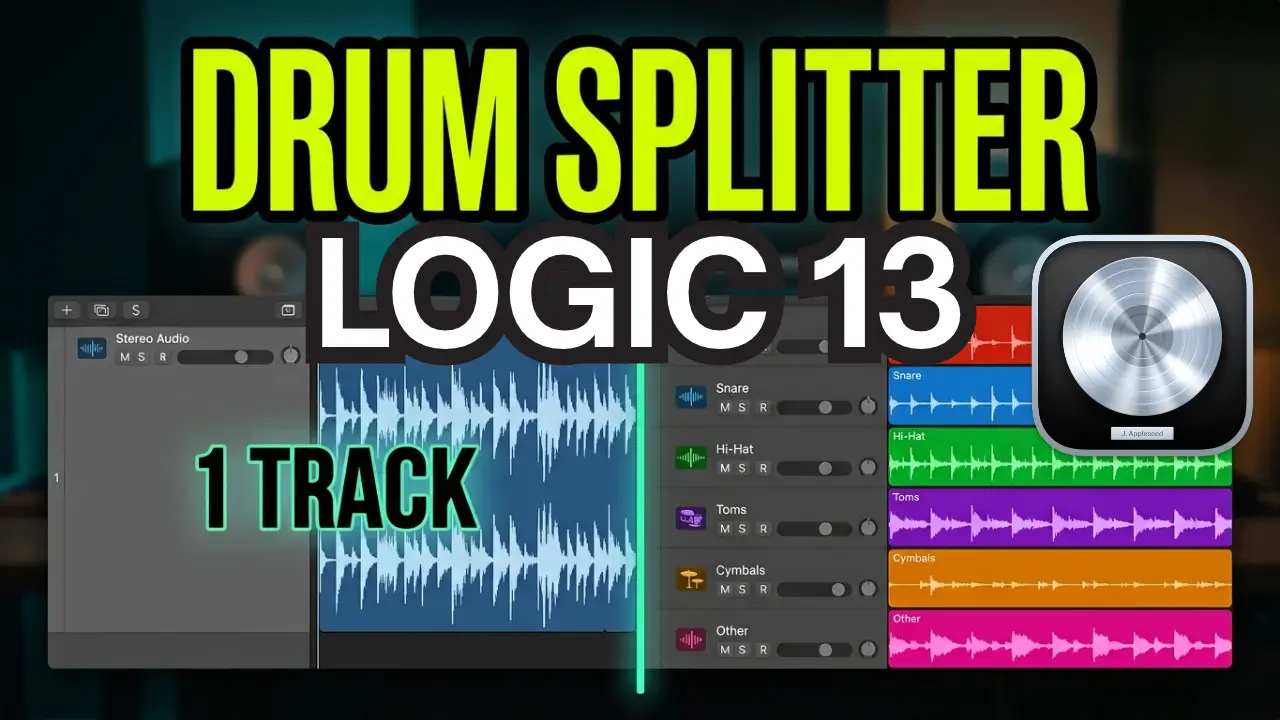
Drum Splitter is one of them. It’s a useful tool for separating drum recordings into individual components, giving you more flexibility when editing and processing your drum tracks.
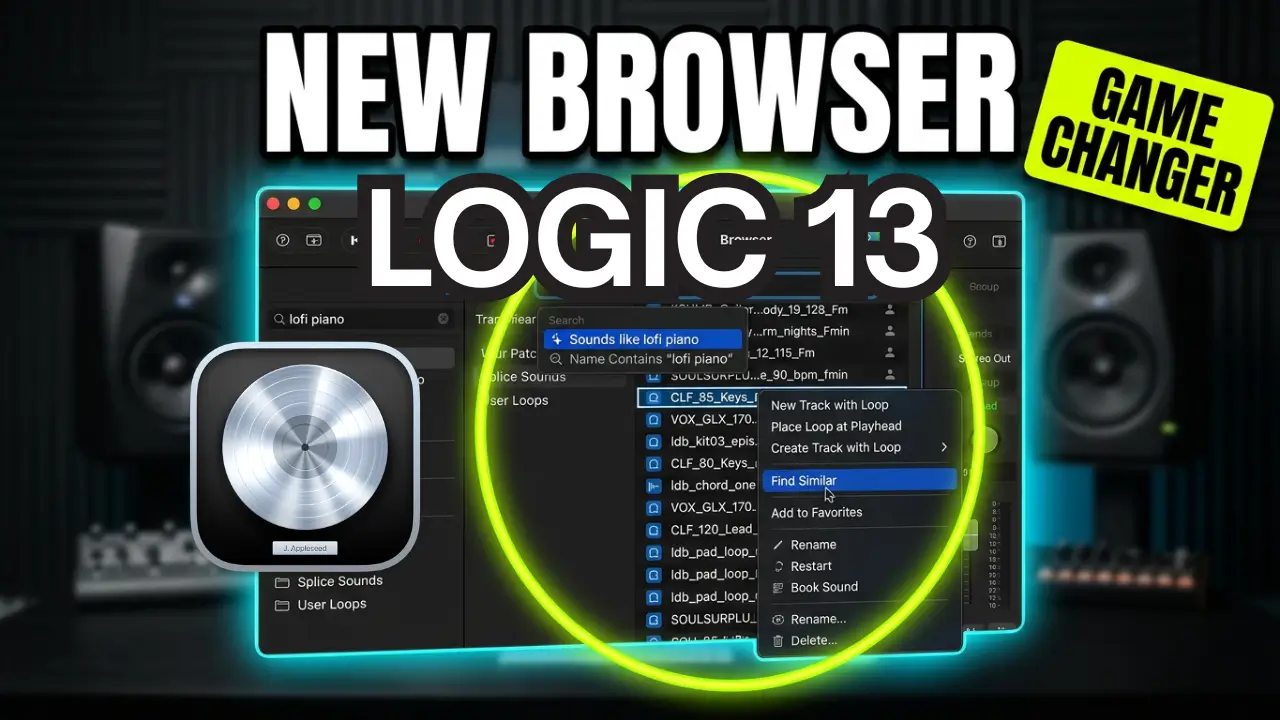
The updated browser is another welcome improvement. I’ve already covered both of these features in separate videos.
The AI Assistant Requires a Subscription
One of the new additions I’d like to experiment with is Apple’s AI assistant.
The problem is that I’m still running macOS 26, and the new assistant also requires an Apple Creator Studio subscription.
Creator Studio bundles several creative applications together, including Logic Pro and Final Cut Pro. The subscription costs $12.99 per month or $129 per year.
You can still purchase Logic Pro outright, but access to the new AI assistant requires the subscription.
I don’t particularly need all the other applications in the bundle, so subscribing just to experiment with the AI assistant isn’t especially appealing.
It’s currently in beta, though, and I’d be interested to see what it can actually do inside Logic Pro.
Still Waiting for Native ARA Support
Another feature I’d really like to see is native ARA support on Apple Silicon.
ARA integration would make working with plugins like Melodyne much more convenient. The traditional workaround has involved running Logic through Rosetta, which is becoming an increasingly limited option as Apple transitions away from Rosetta support.
This is something I think many Logic Pro users would like Apple to address.
The New On-Screen Keyboard
There are some interesting additions to the redesigned on-screen keyboard, which you can access using Command-K.
You can play individual notes, trigger complete chords, and experiment with different performance modes.
The arpeggiator is particularly interesting. It can automatically load as a MIDI effect when needed, allowing you to generate patterns and record them directly into your Logic Pro project.
You can also change the notes and adjust the resulting MIDI performance.
The chord-playing mode is another useful addition. However, I’d like to see better integration between these tools and Logic’s chord progressions and chord track.
Right now, some of these features feel somewhat disconnected. I’d love to see a more unified system where you could create chord progressions, keep everything in key, and easily drag those ideas into your project.
Exploring Poly Pitch
Another interesting feature is Poly Pitch.
With the arpeggiator turned off, you can use the on-screen keyboard to explore different pitches by scrolling across the keyboard with your mouse.
It’s another interesting way to experiment with MIDI performances, particularly for users who don’t always want to play everything using a traditional MIDI keyboard.
What Features Are Missing From Logic Pro?
Overall, there are some things I like about Logic Pro 13, including Drum Splitter, the updated browser, and the new keyboard features.
I also like the darker interface, although I’d love to have different interface themes available, similar to what Ableton Live offers.
But native ARA support is still high on my wish list.
What about you?
Which Logic Pro 13 features do you like? What features are you still missing? Are you happy with the direction Apple is taking Logic Pro?
I’d be interested to hear what other Logic users want to see in future updates.
Leave a Reply