
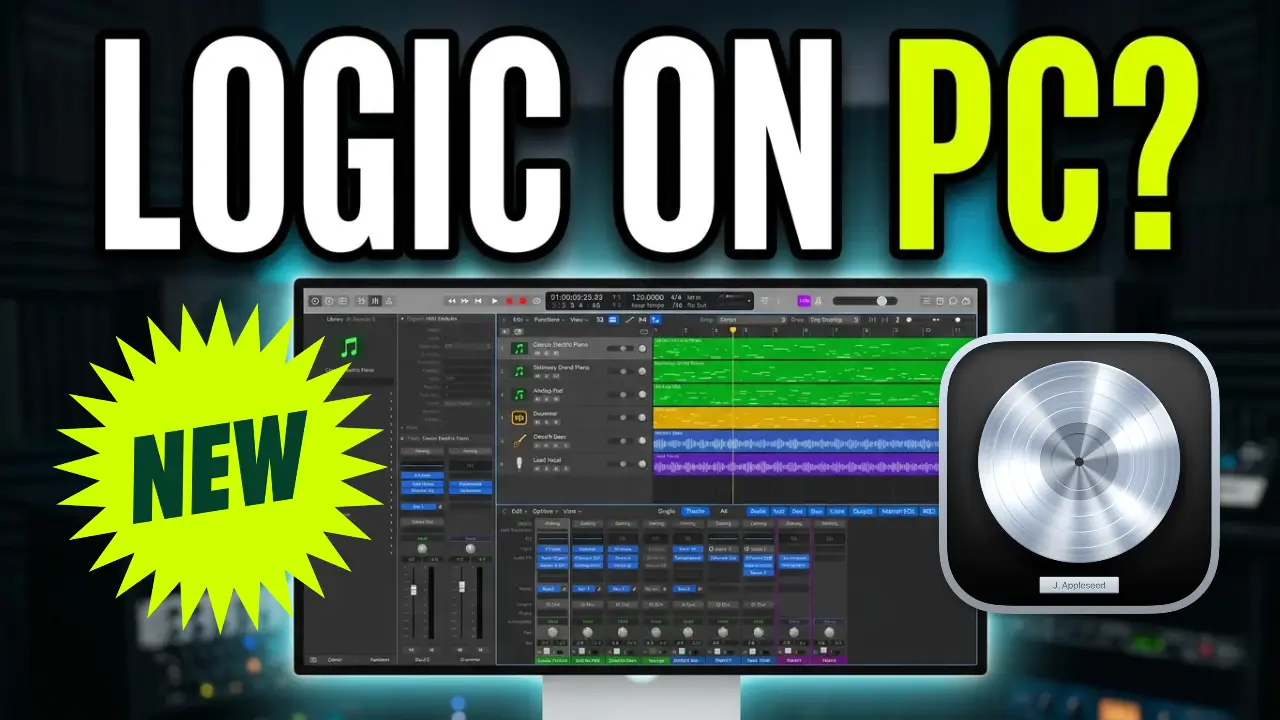
ProWave is an open-source digital audio workstation that aims to bring a Logic Pro-style music production experience to Linux, Windows, and Mac. It’s an interesting concept, especially for musicians looking for alternatives to established DAWs, so I decided to download it and take an early look at what it can do.
A Familiar Logic Pro-Style Interface
The first thing I noticed when opening ProWave was how much the interface resembles Logic Pro. The application opens with an existing project, and several familiar elements immediately stand out.
There are recognizable music production tools, including a piano roll, Drummer-style functionality, a sampler, and a Beat Machine. For anyone who has spent time working in Logic Pro, the general layout feels somewhat familiar.
However, looking familiar and functioning like Logic Pro are two very different things.
Testing the Music Production Features
I started exploring some of the built-in tools to see how much functionality was already available.
The piano roll looks similar to the MIDI editing environment in Logic Pro, but keyboard shortcuts don’t appear to work as expected. This makes basic editing less convenient, particularly if you’re accustomed to using keyboard commands to speed up your workflow.
I also checked out the Drummer functionality, Sampler, and Beat Machine. While these features suggest that ProWave is intended to be a fairly complete music production environment, several elements weren’t working properly during my testing.
The Beat Machine, for example, doesn’t appear to use the same familiar keyboard commands for entering MIDI notes.
Plugins, Crashes, and Missing Functionality
The biggest issue I encountered was stability.
During the initial exploration, ProWave crashed, and I had trouble opening several instruments and effects. Compressors and other plugin interfaces weren’t consistently accessible, making it difficult to determine how much of the audio processing functionality was actually implemented.
I eventually managed to get a few things to respond, but the overall experience was inconsistent.
These limitations make it difficult to evaluate ProWave as a serious alternative to Logic Pro right now. A DAW needs more than a familiar interface. It needs reliable editing tools, working instruments, accessible effects, and a stable workflow.
ProWave Is Still a Work in Progress
One interesting detail is that ProWave is built using Rust, a programming language increasingly used for performance-oriented applications and software development.
The project appears to be an early attempt at creating an open-source music production environment inspired by Logic Pro. Supporting Linux, Windows, and Mac is an interesting direction, particularly for musicians who don’t want to be tied to one operating system.
At this stage, though, I wouldn’t consider ProWave ready to replace an established DAW.
There is clearly more development needed before the application can provide a dependable music production experience.
Final Thoughts
ProWave is an interesting project, and I like the idea of an open-source Logic Pro-inspired DAW that works across multiple operating systems.
My initial testing revealed plenty of unfinished functionality, inaccessible plugins, keyboard shortcut issues, and occasional crashes. There’s still a considerable amount of work to do.
That doesn’t mean the project won’t become something worthwhile. Every ambitious software project has to start somewhere, and ProWave could become more interesting as development continues.
For now, I’ll keep an eye on it. It’s one to revisit when future versions become available.
Video: Watch my first look at ProWave and see how it performs when testing its music production features.
Leave a Reply