
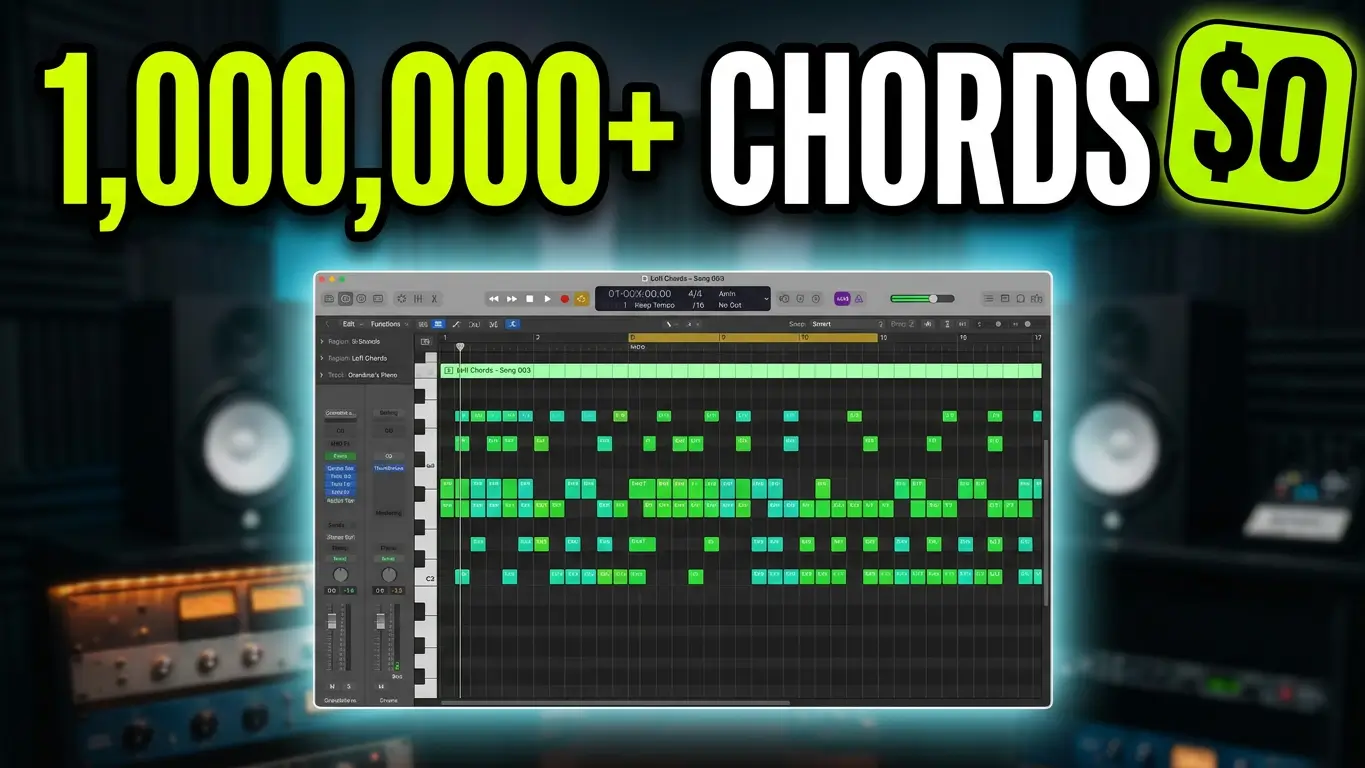
What if you could generate your own MIDI chord packs with ChatGPT instead of buying preset packs or endlessly searching for the right loops? I decided to give it a try and see what kind of songwriting material I could create for free.
About a week ago, I used Google Flow to create a MIDI chord pack generator capable of producing 900 full-song arrangements, including verses and choruses. That got me thinking: could ChatGPT do something similar?
The answer is yes, at least when it comes to generating useful MIDI material for music production.
Creating MIDI Chord Progressions With ChatGPT
For this experiment, I asked ChatGPT to create a MIDI chord pack featuring 100 pop chord progressions arranged as full songs. I also requested material for lo-fi beats, and the result was a collection of 200 MIDI progressions.
The idea is simple. Instead of starting with a four-bar loop, you can generate MIDI material that includes different song sections. You can download the files, import them into your DAW, and use the chords as the foundation for your own productions.
You can also customize your prompts to request specific genres, chord progressions, song structures, or shorter loops. The goal isn’t necessarily to use every note exactly as generated. It’s to give yourself more musical starting points without spending hours creating everything from scratch.
Using ChatGPT MIDI Files in Logic Pro
I imported the generated MIDI chords into Logic Pro to see how they worked in a real music-production session.
Once the MIDI files are in your project, you can arrange the chord progressions however you want. Choose different sections for your verses and choruses, move the chords to different instruments, or combine ideas from multiple files.
Logic Pro’s chord chart can also help you work with the harmonic structure of your song. From there, I added drums and bass to create a basic lo-fi beat.
This gives you a foundation to build on. You can write a melody over the chords, play a top-line idea on your keyboard, or experiment with different instruments until you find something that works.
Turn MIDI Chords Into Your Own Music
One of the most useful parts of working with MIDI is that you’re not locked into the original arrangement.
I opened the MIDI editor in Logic Pro and started chopping up chords and changing notes to create a different musical pattern. You can move the material to another instrument, remove sections, change the rhythm, or use only a few bars from a much longer arrangement.
A full-song MIDI file doesn’t have to become a full song. You might find a great four-bar loop buried inside it, or use a chorus progression as the starting point for an entirely different composition.
And although I used lo-fi beats for this demonstration, the same approach can work for pop, rock, electronic music, hip-hop, and other genres.
Can ChatGPT Generate Drum Loops?
I also asked ChatGPT to create drum loops. I requested 100, but the results didn’t quite match the request, and I only received a few loops.
Still, the drum MIDI was interesting. It included velocity variations and a fill at the end of the pattern. Playback can vary depending on the General MIDI drum mapping and the drum kit you’re using.
I’m testing the free version of ChatGPT here, so results may vary. The experiment demonstrates the possibilities, but you should still inspect the MIDI files and make adjustments to suit your production.
Make Your Own MIDI Packs
You don’t need to use AI-generated MIDI exactly as it comes out. Think of it as a songwriting assistant that can supply chord progressions, rhythmic ideas, and starting points for new tracks.
Try asking ChatGPT for a collection of pop chord progressions, a series of lo-fi beat foundations, or a set of MIDI loops in a particular style. Be specific about the format and song structure you want, then import the results into your DAW and experiment.
The most interesting part is how quickly you can move from a blank project to something you can actually work with. ChatGPT won’t replace your creative decisions, but it can give you more material to explore.
Watch the video to see the MIDI files in action and how I use them to build a beat in Logic Pro.
The takeaway: You can use ChatGPT to generate MIDI chord progressions and musical ideas for free, then customize them into your own productions. Instead of relying entirely on pre-made loops, you can experiment with creating MIDI resources tailored to your workflow.
Leave a Reply