
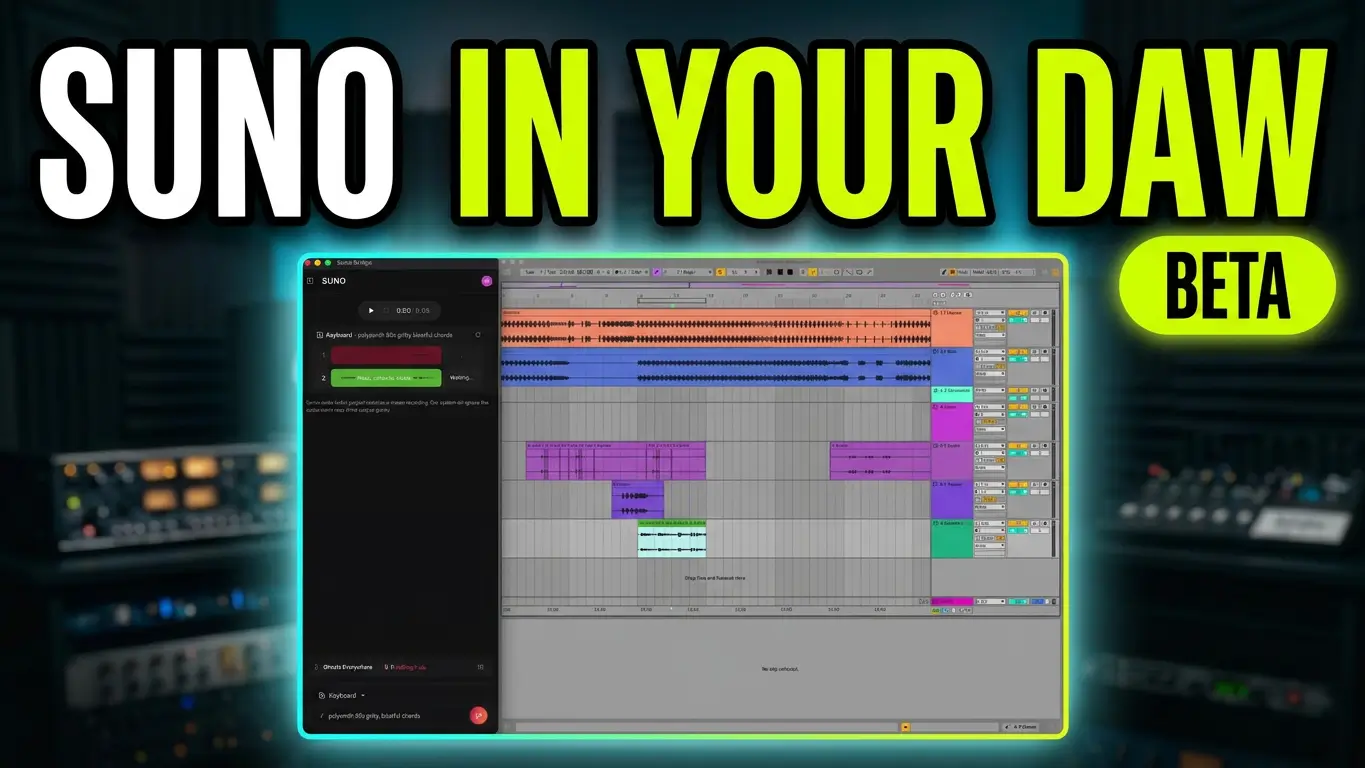
Suno is taking another step toward integrating AI music generation into traditional music production with the introduction of Suno Bridge. This new tool is designed to connect Suno’s AI music generation capabilities with your digital audio workstation (DAW), making it possible to generate additional instruments and vocal parts based on an existing music project.
What Is Suno Bridge?
Suno Bridge is designed to make it easier to incorporate AI-generated musical elements into an existing DAW session.
Normally, if you generate something in Suno, you need to download the audio, import it into your DAW, and manually line everything up with your existing arrangement. Suno Bridge aims to simplify that process.
Instead of starting with a completely new AI-generated song, you can use Bridge to generate additional musical parts based on the music you’re already working on.
For example, you might have a guitar arrangement that needs drums, an instrumental that needs backing vocals, or a song that could benefit from additional instrumentation.
You can describe the sound you’re looking for, select the type of instrument or vocal part you want, and let Suno generate new material based on your existing session.
Generate Instruments and Vocals That Match Your Music
One of the more interesting aspects of Suno Bridge is its ability to use the musical context of your existing project.
Generated material is designed to match the key, tempo, and overall feel of your arrangement.
This means you don’t necessarily have to generate an entirely new song and then spend time trying to make it fit your production.
Instead, Bridge is intended to generate additional parts that can be placed directly onto your DAW timeline, synchronized with your existing project.
For songwriters and producers, this could provide another way to experiment with arrangements, explore different instrumentation, and develop production ideas without having to record every part themselves.
Suno Bridge Compatibility and Requirements
There are a few important things to know before getting started.
At launch, Suno Bridge supports:
- Mac computers.
- Ableton Live 12 or later.
- A Suno Premier subscription for generation features.
The Bridge application is free to download, but you’ll need a Premier subscription to use its AI generation capabilities. Generating additional instruments and vocals also consumes Suno credits.
Suno has indicated that it is working on expanding compatibility to additional DAWs and platforms.
For those of us using other recording applications, including Logic Pro, broader compatibility will be an important development to watch.
Questions About Copyright and Uploading Your Music
One area that deserves some additional consideration is how Suno handles music uploaded through its services.
If you’re a songwriter working with original lyrics, melodies, and instrumental recordings, you may have questions about what happens when you upload an existing project for AI processing.
Does the service simply analyze the musical context? What rights and permissions apply to the uploaded material? How do the terms of service apply to original compositions?
These are questions worth considering before uploading your own music.
I would recommend reviewing Suno’s current terms and conditions and understanding the applicable rights and permissions before using Bridge with original projects.
For independent songwriters and producers, protecting your creative work and understanding the terms of the services you use should always be part of the process.
Could Suno Bridge Change Music Production?
The interesting thing about Suno Bridge is that it approaches AI music generation from the perspective of an existing music production session.
Rather than generating a complete song and treating that recording as the finished product, the idea is to use AI to create individual musical elements that can become part of a larger arrangement.
That opens up some interesting possibilities for producers, especially those working with demos, unfinished arrangements, and songwriting ideas.
The biggest limitation right now is DAW compatibility. As someone who primarily works in Logic Pro, I’d like to see Suno expand Bridge to support Logic and other popular recording applications.
Still, the concept is worth watching as AI music tools become more integrated into traditional recording and production workflows.
Check out Suno Bridge here:
This article covers the initial Suno Bridge announcement and feature overview. Compatibility, subscription requirements, and functionality may change as the product develops.

Leave a Reply