
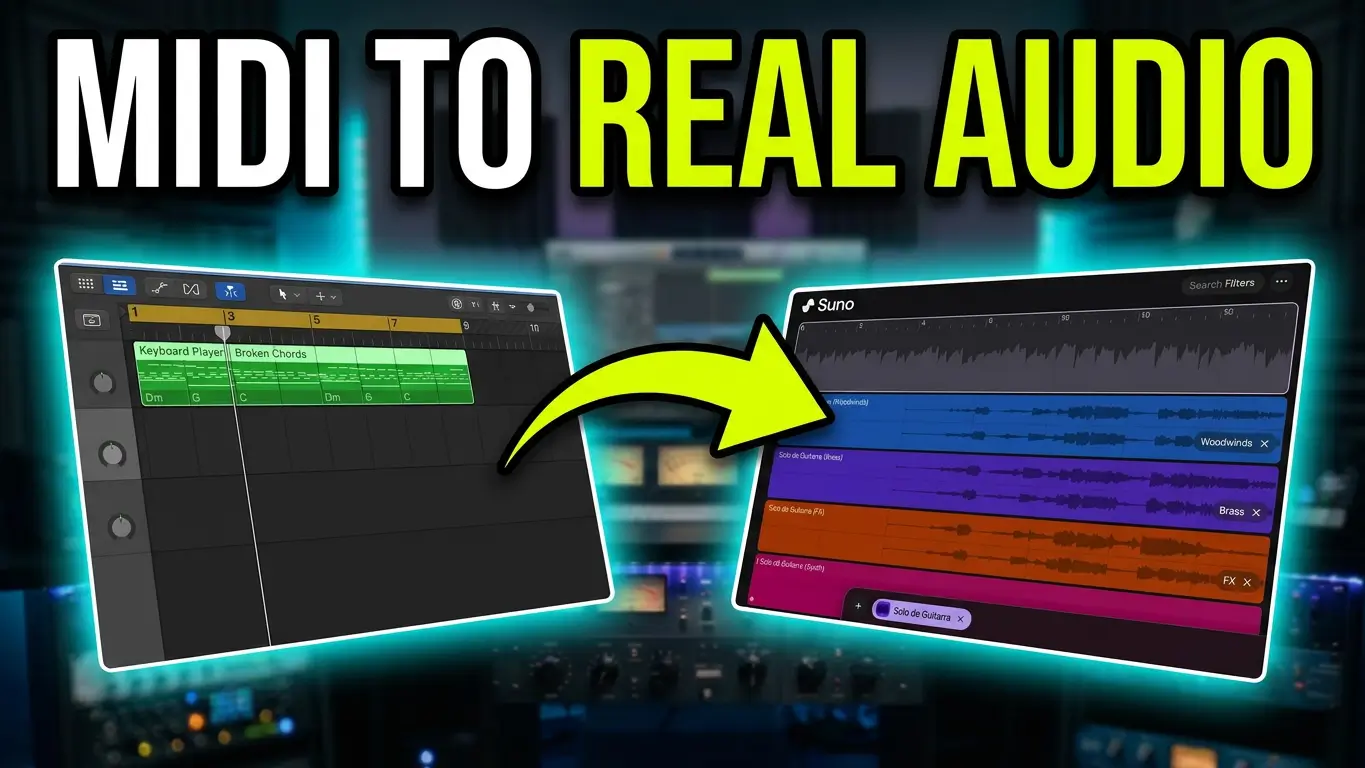
Suno AI now supports MIDI file uploads, opening up new possibilities for musicians, songwriters, and producers who want to experiment with different instruments and arrangements. Instead of starting with an audio recording, you can upload your own MIDI parts and let Suno generate performances using different instruments.
I decided to put this new feature to the test with a simple piano riff containing a few chords and a melody. The idea was to see if Suno could take my original MIDI notes and reinterpret them as completely different instruments.
Uploading MIDI Files to Suno
The first step was creating a short piano riff with chords and a top-line melody. I exported the MIDI material and uploaded it directly into Suno to see how the platform would interpret it.
There were a few things to figure out along the way. I ran into what appeared to be a limitation or possible bug involving the model selection and advanced settings. It seems that the workflow requires a particular model and mode combination to get things working.
Once I got past that, I could start experimenting with the actual MIDI material.
Turning Piano MIDI Into a Trumpet Performance
For the first experiment, I took the top-line melody from the piano MIDI part and asked Suno to turn it into a trumpet performance.
This is one of the interesting possibilities of MIDI uploads. You’re providing the musical notes and structure, while Suno generates a performance using a different instrument. Rather than simply changing the sound of a piano MIDI track with a virtual instrument, you’re exploring how AI interprets the musical material as another type of performance.
Generating an Electric Guitar Solo
Next, I tried the same idea with an electric guitar solo. I took the original piano melody and used it as the starting point for a guitar performance.
It’s an interesting way to experiment with melodies and arrangements. If you have a MIDI keyboard, write your own parts, or work with MIDI inside a DAW, this could give you another way to explore different instrumental possibilities without having to program every instrument yourself.
Taking the Results Into Logic Pro
After generating the performances, I downloaded the WAV audio and imported it into Logic Pro.
From there, I added Logic Drummer and a Logic bass part just to see how everything might work together in a larger arrangement. This was only a quick experiment, but it demonstrates how Suno-generated performances can become part of a traditional music production workflow.
You can experiment with musical ideas in Suno, download the resulting audio, and continue arranging and producing inside your preferred DAW.
What This Means for Musicians and Producers
Suno’s MIDI upload capability introduces another interesting way to work with AI music generation. Instead of relying entirely on text prompts or existing audio, you can start with your own MIDI compositions and explore different instrumental interpretations.
For songwriters, this could be useful for experimenting with arrangements, trying out different instruments, and hearing melodies performed in ways you might not have originally considered.
I’ll need to experiment with this feature some more, but it’s definitely worth exploring if you’re already using MIDI in your music production workflow.
Explore More Music From Songs by Greg
I also mention my Songs by Greg project in the video. These are original songs I’ve written, with Suno being used to explore different AI performances and arrangements. The songwriting, lyrics, melodies, and musical ideas are mine, while AI provides another way to hear and develop those songs.
You can find my music on my Suno profile.
Final Thoughts
Being able to upload MIDI files to Suno and experiment with different instrument performances adds another creative option for musicians. Whether you’re turning a piano melody into a trumpet part, generating an electric guitar solo, or bringing the resulting audio into Logic Pro, there are plenty of possibilities to explore.
This was just a first test, and I’m looking forward to seeing what else can be done with it.

Leave a Reply