
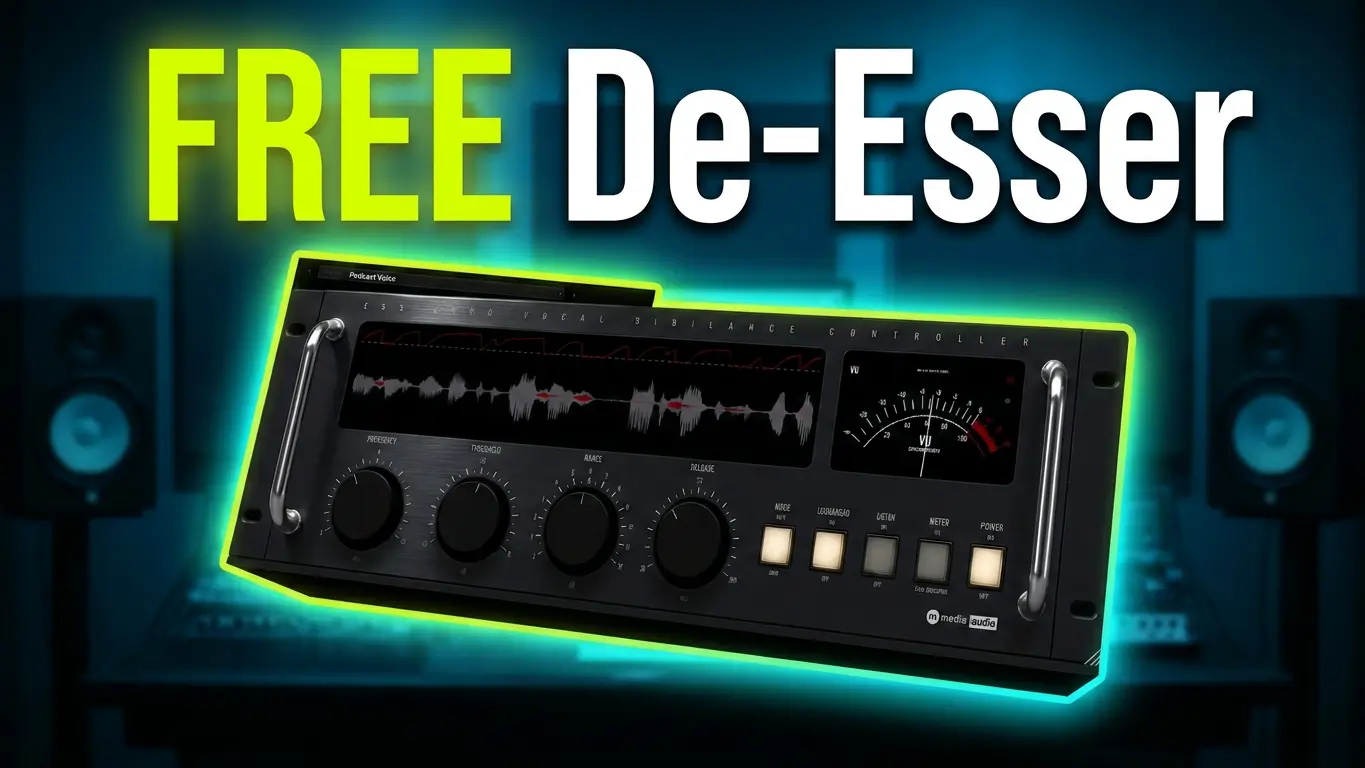
If you’re looking for a free de-esser plugin to control harsh S sounds in vocal recordings, M Media Audio Ess-Zero is worth checking out. This free audio plugin offers several controls for managing sibilance, two different processing modes, and some additional applications beyond traditional vocal de-essing.
In this video, I’m putting Ess-Zero through a practical demonstration using both female and male vocal recordings, along with a look at how it handles hi-hats and cymbals.
Watch the video demonstration:
What Is M Media Audio Ess-Zero?
Ess-Zero is a free de-esser plugin from M Media Audio designed to reduce excessive sibilance in audio recordings.
Sibilance is the harsh high-frequency content often heard in S, SH, and similar sounds in vocal performances. A de-esser helps control these frequencies without unnecessarily reducing the overall level or clarity of the vocal.
Ess-Zero provides several controls for adjusting how the plugin detects and processes these sounds:
- Frequency: Selects the frequency range where the plugin looks for sibilance.
- Threshold: Determines when the plugin begins processing.
- Range: Sets the maximum amount of reduction.
- Release: Controls how quickly the processing recovers after detecting sibilance.
- Lookahead: Provides additional time for the plugin to respond to incoming audio.
The interface also includes a visual display that shows the frequency content being reduced during processing.
Wide vs. Split Processing Modes
One of the more interesting features is the choice between Wide and Split modes.
Wide mode is the default setting. When the plugin detects sibilance, it reduces the level of the entire vocal signal.
Split mode takes a different approach. Instead of turning down the entire signal, it reduces the frequency content above the selected detection frequency.
This can be useful when you want to control harsh high frequencies while preserving more of the body of the vocal, particularly in a dense mix.
Both modes are worth testing because the best choice depends on the recording and the type of processing you’re looking for.
Using Ess-Zero on Hi-Hats and Cymbals
Although de-essing is primarily associated with vocal processing, Ess-Zero can also be useful on other audio sources with excessive high-frequency content.
In the video, I demonstrate the plugin on hi-hats and cymbals from a drum recording.
By adjusting the threshold, you can hear how aggressively the plugin reduces the high-frequency content. You can take this quite far, although extreme settings are more useful for demonstrating the effect than achieving a natural-sounding drum mix.
This makes Ess-Zero worth experimenting with on overheads and other recordings where high-frequency content needs additional control.
Female and Male Vocal Demonstrations
I also test Ess-Zero on two different vocal recordings.
The female vocal demonstration provides an opportunity to hear how the plugin handles prominent S sounds in a vocal performance. The visual display makes it easier to see which frequencies are being affected.
Next, I switch to a male vocal recording to hear how the plugin performs with a different voice.
These before-and-after comparisons provide a practical look at how Ess-Zero handles sibilance rather than relying only on its specifications.
Is Ess-Zero Worth Trying?
Ess-Zero is completely free, not a limited-time giveaway or an expiring demo. There’s no activation or license key required.
It supports Windows, macOS, and Linux, with VST3 support and Audio Unit support on macOS.
If you need a free de-esser for vocal mixing, or simply want another tool to experiment with on hi-hats, cymbals, and overheads, Ess-Zero is worth adding to your plugin collection.
This video is a practical plugin demonstration using original music and vocal recordings.
Leave a Reply